
The tiny icons lined up in your browser tabs—those are favicons. Without one, the tab stays a plain, generic globe mark. Just having one makes your site look “properly made,” so it’s a nice finishing touch before you publish. Here are two ways to make one.
Easiest: use an emoji as your favicon
Without preparing any image, just one line of HTML turns an emoji into your favicon.
<head>
  <link rel="icon" href="data:image/svg+xml,<svg xmlns=%22http://www.w3.org/2000/svg%22 viewBox=%220 0 100 100%22><text y=%22.9em%22 font-size=%2290%22>🐤</text></svg>">
</head>
Just change the 🐤 part to any emoji you like. Under the hood, it’s a little trick: “draw a single emoji as an SVG image, and embed it right there without ever creating a file.” It looks like a magic spell, but if you copy-paste it and swap the emoji, it works. If you just want to liven up your tab today, this is plenty.
Make one from an image: favicon.io
To turn your own logo or illustration into a favicon, letting a conversion tool handle it is the surest way.
favicon.io
A free tool that makes a full favicon set from any of four sources—an image (PNG/JPG), text, an emoji, or SVG. It spits out a zip with every size you need packed inside.
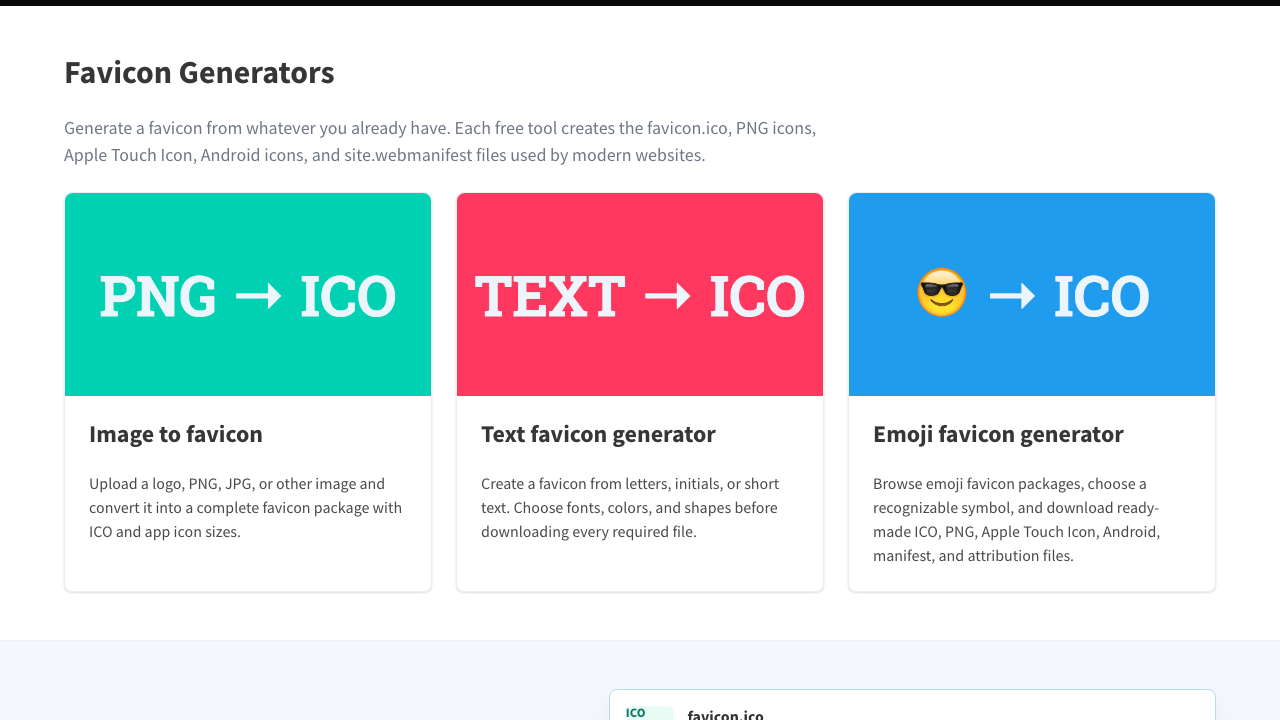
It’s a three-step process.
- Pick Image to favicon and upload your image (a roughly square image comes out cleanest)
- Get the zip with Download and unzip it
- Put the
favicon.icothat comes out in the same folder asindex.html
Set it in HTML
Once the file is in place, add one line inside <head>.
<head>
  <link rel="icon" href="favicon.ico">
</head>
Actually, if you put a file named favicon.ico at the top level of your site, many browsers will find it even without this line. Still, writing it out is the surer bet. If you use a PNG, write it like this.
<link rel="icon" type="image/png" href="favicon.png">Use everything in the zip
The zip you download from favicon.io has several files besides favicon.ico. Don’t throw them away—use them all.
| File | What it’s used for |
|---|---|
favicon.ico | The tab in desktop browsers |
favicon-16x16.png / favicon-32x32.png | Also the tab and bookmarks (for devices with sharp screens) |
apple-touch-icon.png | The icon when you add to home screen on iPhone |
android-chrome-192x192.png / android-chrome-512x512.png | The icon when you add to home screen on Android |
site.webmanifest | A file that maps those Android icons above to your site name and such |
The tab icon (favicon) and the home-screen icon (apple-touch-icon) are different things. To link them all at once, paste these four lines into <head>.
<link rel="icon" href="favicon.ico">
<link rel="icon" type="image/png" sizes="32x32" href="favicon-32x32.png">
<link rel="apple-touch-icon" href="apple-touch-icon.png">
<link rel="manifest" href="site.webmanifest">
Put all the files at the top level, in the same place as index.html. The reason to keep favicon.ico around is as insurance for older browsers (like Safari before 26).
Summary
- If ease is your priority, go with an emoji favicon—just copy-paste one line into HTML and swap in an emoji
- To make one from an image, use favicon.io—drop the whole zip in, put
favicon.icoin place, and add<link rel="icon"> - When it won’t update, suspect the cache and do a hard reload
The moment an icon lights up in the tab, your page suddenly becomes a “real site.”