
The big card with an image that pops up when you send a URL on X or LINE—that’s OGP (Open Graph Protocol). A page that hasn’t set it up turns into just a text link when shared. With five meta tags and one image, let’s make your page something you’re happy to have shared.
What that share card really is
Set up OGP, and your URL transforms into a card like this.
og:image, the bold text is og:title, and the description is og:description.The basic five lines
Inside <head>, write five meta tags with property="og:...".
<head>
  <meta property="og:title" content="Shima's Page">
  <meta property="og:type" content="website">
  <meta property="og:description" content="The first homepage I ever made, all my own.">
  <meta property="og:image" content="https://shima-page.example.com/ogp.png">
  <meta property="og:url" content="https://shima-page.example.com/">
</head>| Line | Where it goes on the card |
|---|---|
og:title | The card’s title (the bold part) |
og:type | The kind of page. For a personal site’s top page, website; for an article, article |
og:description | The description below the title |
og:image | The card’s large image |
og:url | This page’s official URL |
og:type alone doesn’t show up in the card’s appearance, but it’s one of the four the OGP spec requires (og:title, og:type, og:image, og:url), so write it in.
The one line for X (formerly Twitter)
To get a large-image card on X, add this one line too.
<meta name="twitter:card" content="summary_large_image">Without it, X can show a small thumbnail card. The title and description use the og:... ones, so this single line is all you need to add.
A line that’s even more polished: og:site_name
When you also want to show your site name, add this one line.
<meta property="og:site_name" content="Shima's Page">Some platforms show this site name in place of the domain. It’s not required, but adding it is a nice touch when you want your site name to appear consistently.
Make the image at 1200x630
The standard size for an OGP image is 1200x630 pixels. A simple single image with your site title and a character or logo placed large is the classic choice. So it stays readable on a small phone card, the trick is to make the text much bigger than feels necessary.
TipsMake images lighter to speed up your pageThe image you make gets loaded every time it’s shared. Making it lighter first is the smart moveCheck that it’s set up
Once it’s written, run your published URL through a checker tool. It shows you how the card will look on each platform, all in one place.
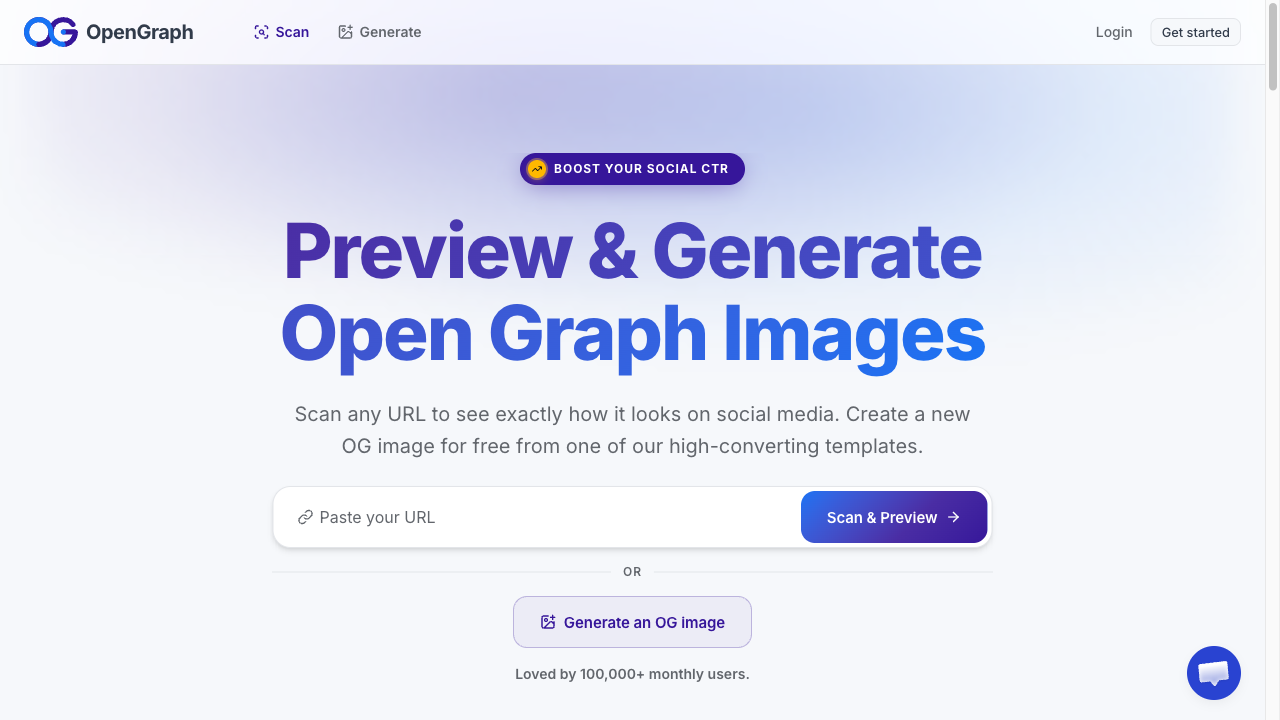
OpenGraph.xyz
A free tool where you just paste a URL to see the OGP it fetched and how the card will look on each social platform, side by side. No signup needed for a check.
Summary
- OGP is the blueprint for the card shown when shared. The five lines
og:title,og:type,og:description,og:image, andog:urlare the basics - Write
og:imageas a complete address starting with https://, and make the image at 1200x630 - Add the one
twitter:cardline for X. After setup, check how the card looks with a checker tool
The moment it’s shared is your page’s first impression. One card’s worth of effort changes the odds that someone actually opens it.