
Getting better at web development comes mostly from time spent building, but where you look things up and where you run into new ideas changes how fast you grow. This article gathers 9 classic info sites worth knowing from your beginner days. They’re grouped by role, so to start, just bookmarking the two “dictionaries” is plenty.
”Dictionaries” you pull out when stuck
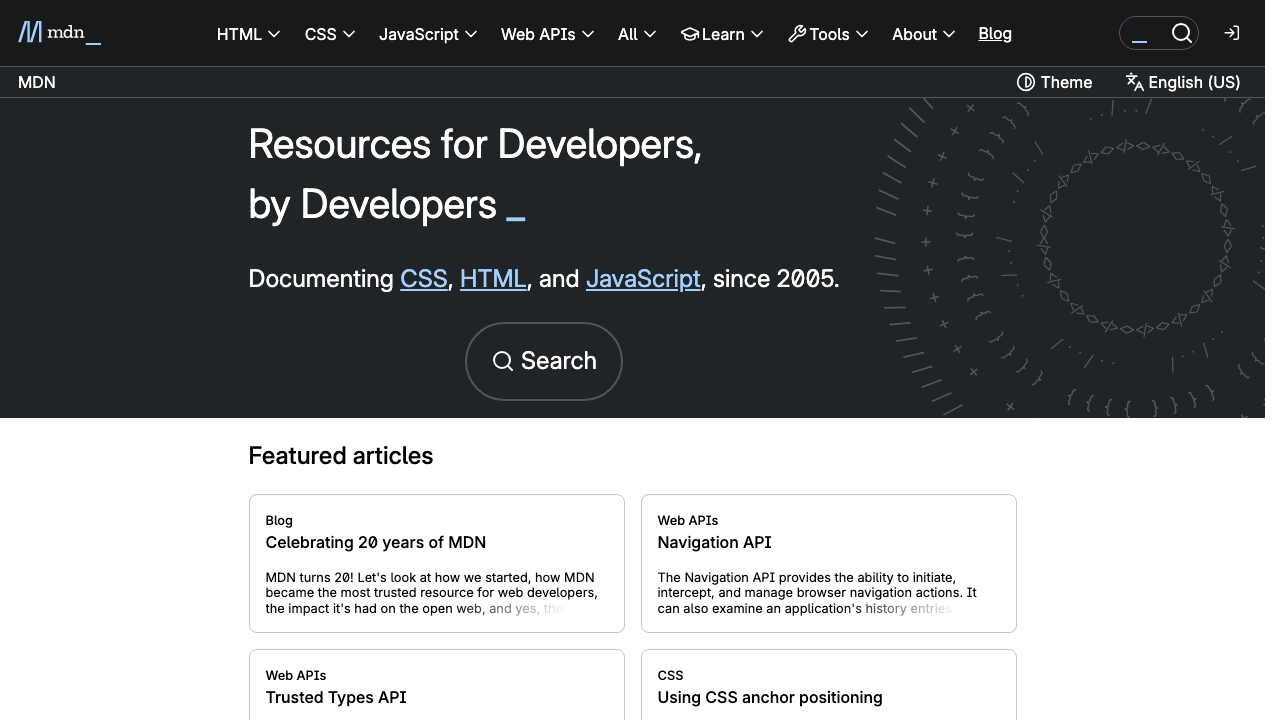
MDN Web Docs
The reference closest to the official standard for HTML, CSS, and JavaScript. Run by Mozilla, the maker of Firefox, it lists the exact specs of tags and properties, which browsers support them, and real examples. Searching like “mdn flexbox” is the standard way to use it. The Japanese version is well filled out, too.
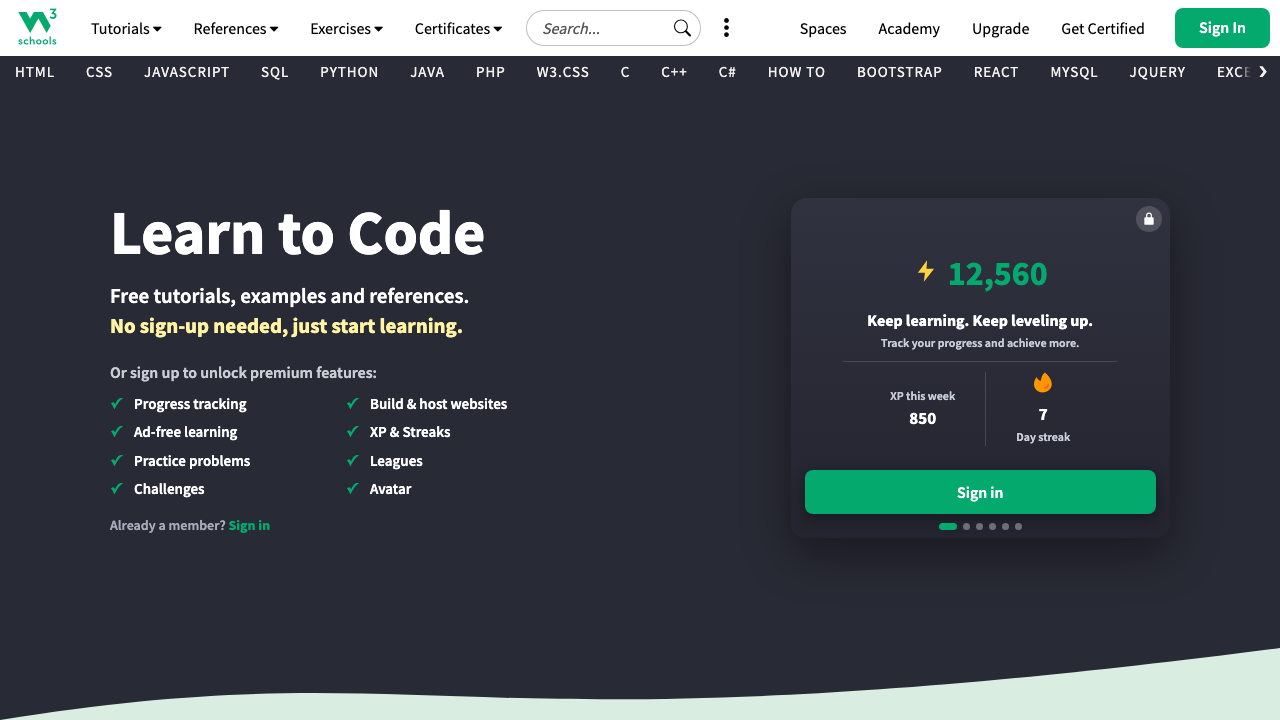
W3Schools
A tutorial site that explains HTML, CSS, and JavaScript in the shortest possible form. Every page has a “Try it Yourself” editor, so you can rewrite the sample and see the result on the spot. When MDN feels stiff and hard, grasping the idea here first and then returning to MDN works well.
Where you ask when you’re truly stuck
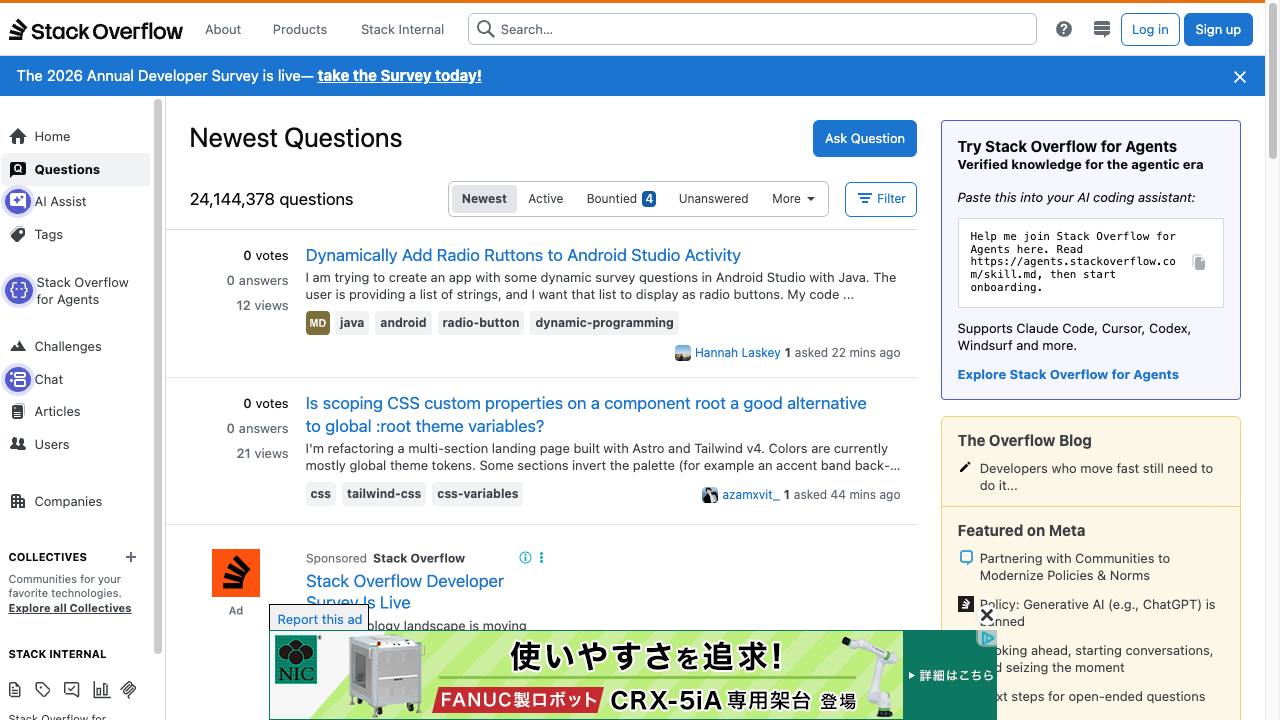
Stack Overflow
The largest Q&A site for programmers. Paste an error message into a search and there’s a high chance you’ll find a question from someone who got stuck in the same place, with a worked-out answer underneath. In practice you’ll read it far more often than you post to it.
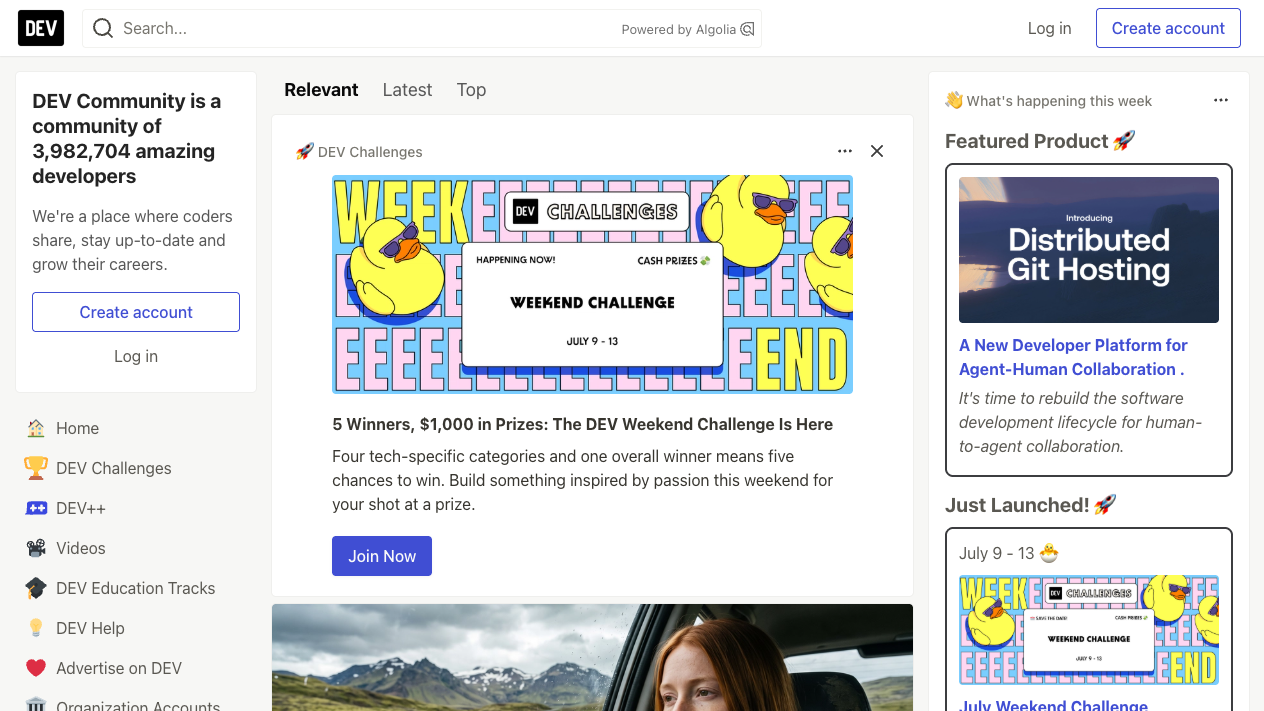
DEV Community
A posting community where developers from around the world gather. It mixes everything from beginners’ study logs to the know-how of active engineers, and its low barrier to entry is its charm. It’s a friendlier room than Stack Overflow, and a good place to start writing things up yourself.
Learn from the working pros
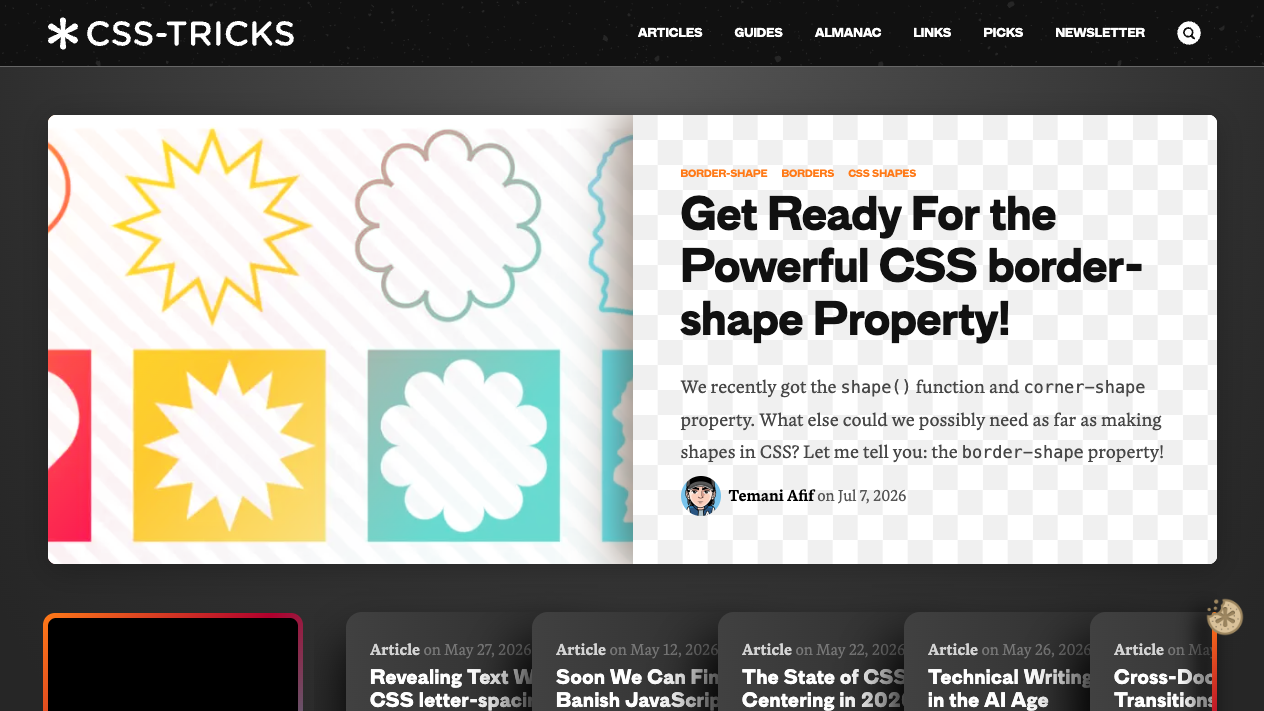
CSS-Tricks
A long-standing outlet that, true to its name, has piled up CSS techniques. Its illustrated guides to Flexbox and Grid are effectively the standard textbook, and its explanations of new CSS features are fast and deep.
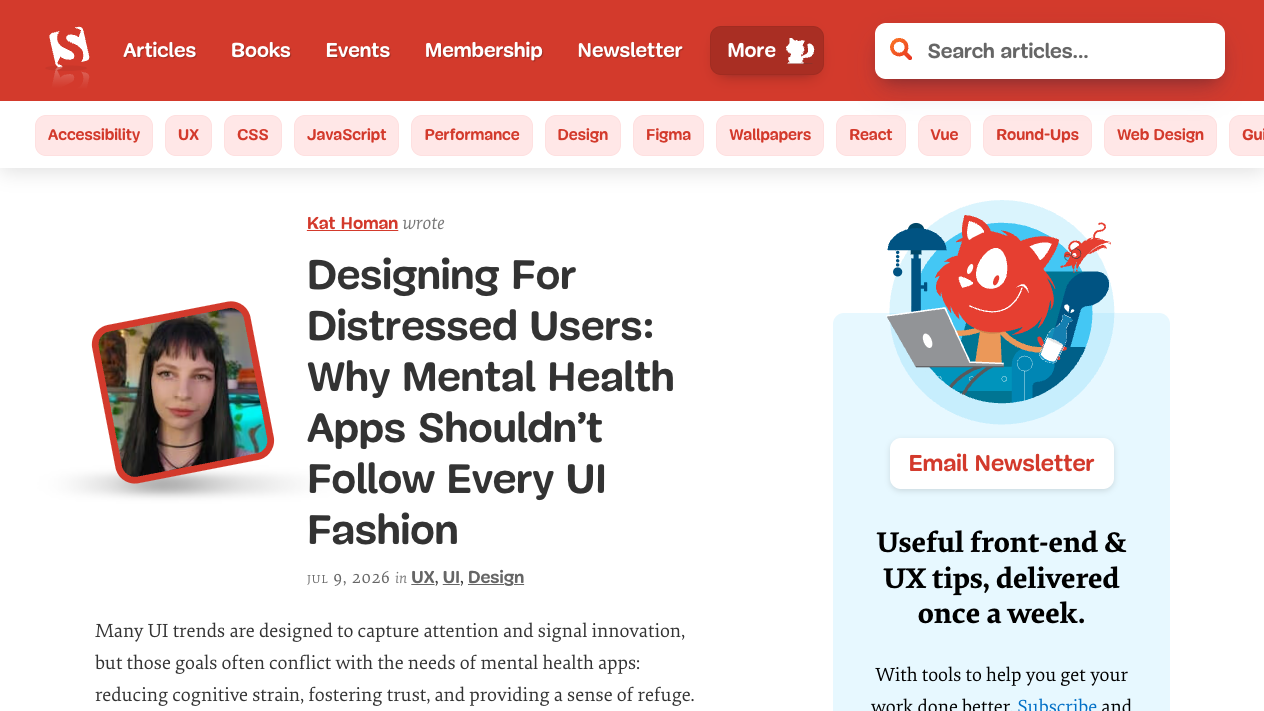
Smashing Magazine
A long-standing magazine for web design and front-end. From design and UX to accessibility and coding, it’s strong on long-form articles that make you sit down and read, with high density in every single one.
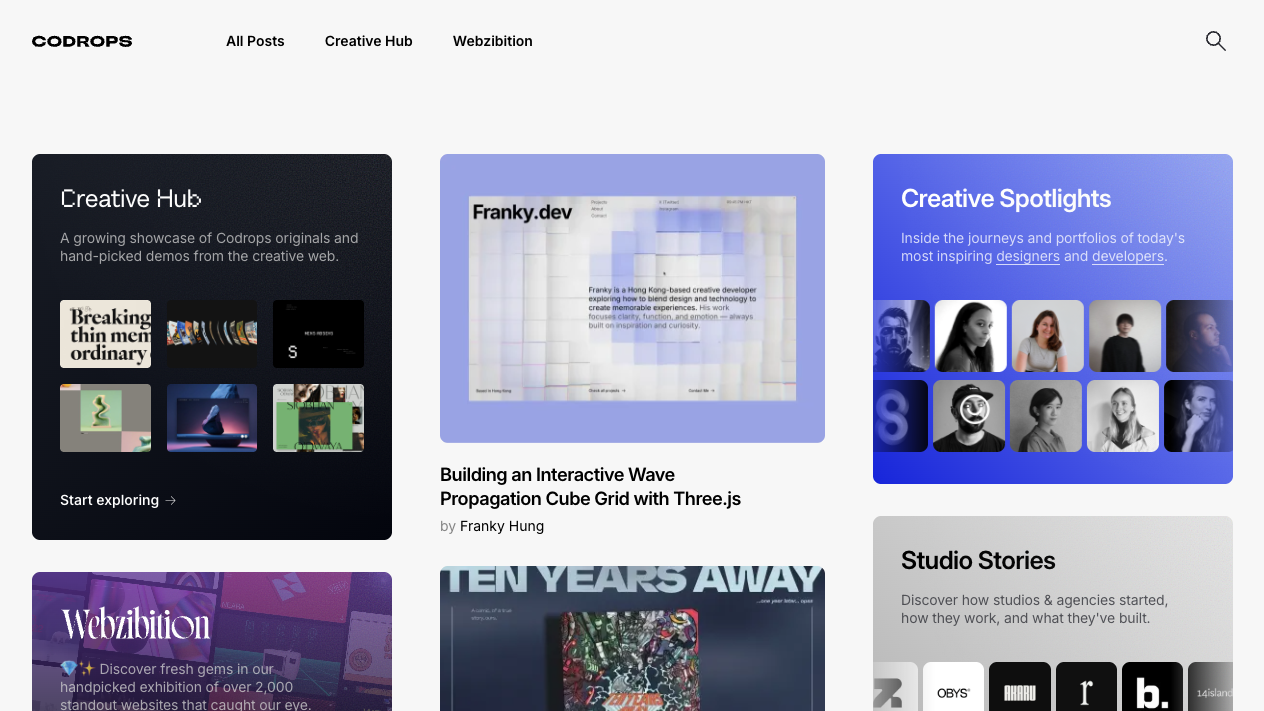
Codrops
A legendary site that keeps sharing demos and tutorials of high-end web expression. Honestly, a lot of its content is still hard for beginners, but as a place that gives you the surprise of “the web can do this much,” just glancing at it now and then is enough to make you want to build something.
Free places to learn from scratch
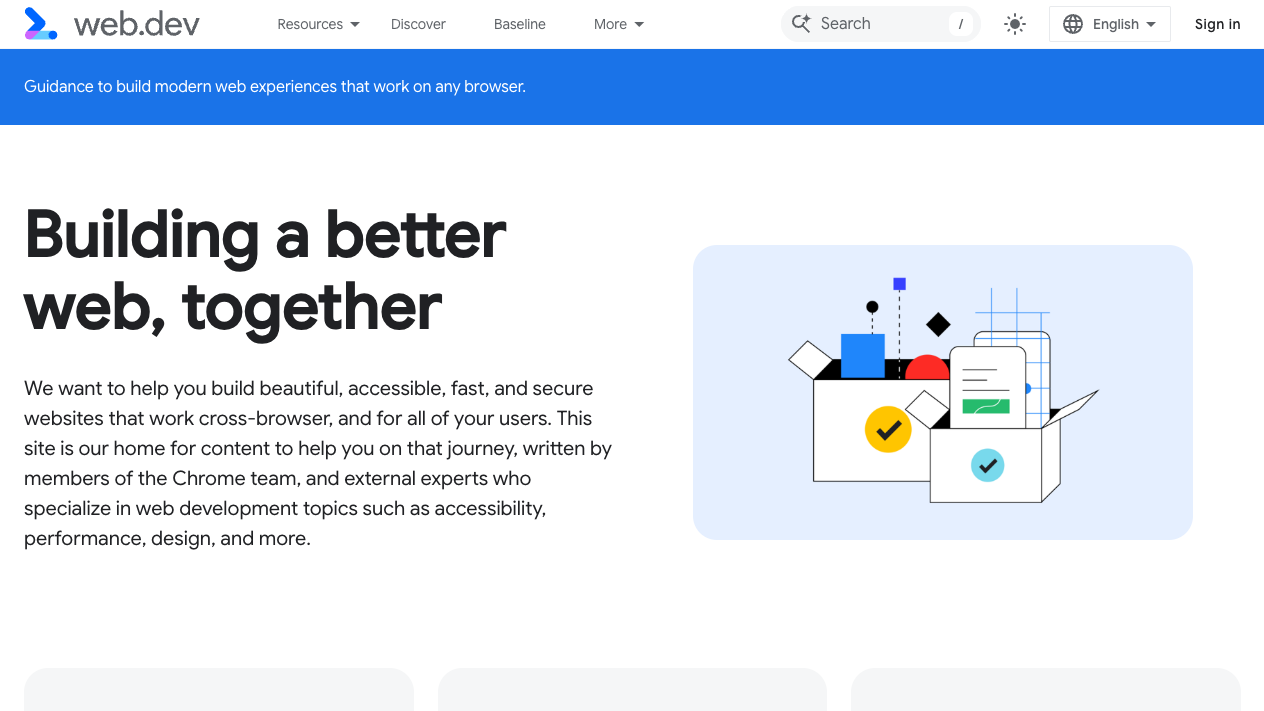
web.dev
A collection of web-development best practices run by Google. Since it’s an official guide from the side that makes a browser, it’s reliable when you want to know the “right answer” for performance or accessibility. The Learn series (Learn CSS, Learn HTML) is used around the world as a free textbook.
freeCodeCamp
The blog of a nonprofit platform where you can learn programming for free. The sheer volume of its tutorial articles is overwhelming, and searching “how to do X” in English hits here quite often. Reassuringly, much of its writing is careful and beginner-friendly.
Tips for keeping up your info gathering
- Separate dictionaries from reading material — MDN and W3Schools are “pulled out when stuck,” the rest are “glanced at now and then.” You don’t need to follow all of them every day
- Search before you ask — for almost any error you hit as a beginner, someone has already asked about it on Stack Overflow. Pasting the error text into a search is the fastest first move
- Build the habit of checking the publish date — web tech evolves fast, so an old article’s approach may be deprecated today. When in doubt, check the current spec on MDN
- Watch out for input overload — reading one article and moving your hands builds your skills more surely than reading ten
Summary
- First, bookmark the two dictionaries (MDN and W3Schools) — just having a place to return to when stuck feels reassuring
- Stack Overflow is your ally for error searches, and DEV Community is a friendly room for reading and writing study logs
- CSS-Tricks, Smashing Magazine, and Codrops give you the techniques and the atmosphere of the field; web.dev and freeCodeCamp are free textbooks for systematic study