
Your computer comes with a few fonts (the shapes of letters) built in, but not that many kinds. On the web, though, there’s a place that hands out fonts you can use for free: Google Fonts. Round letters, handwritten styles, crisp serif faces—you can pick the “face” of your page’s text to match the mood.
1. Choose a font
First, open the site and look for a font you like.
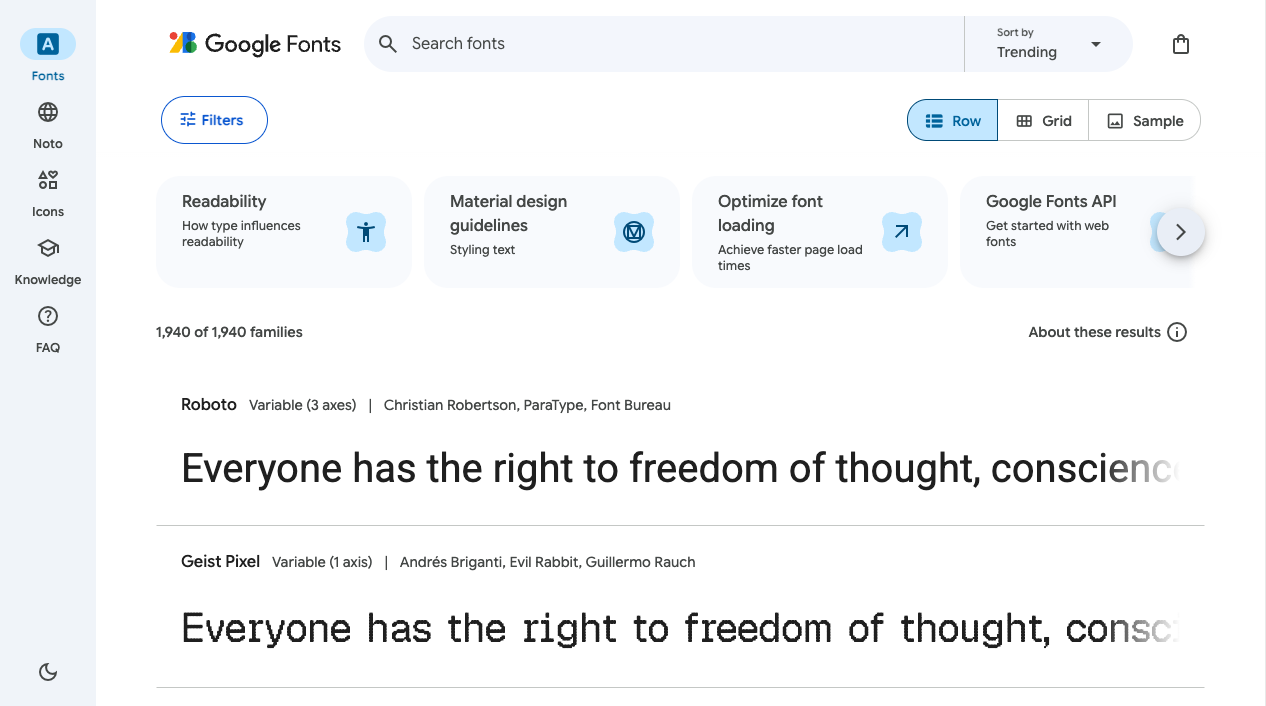
To look for Japanese fonts, choose “Japanese” from Filters and only the ones that support Japanese will line up. Once you’ve picked a font you like, head to “Get font” → “Get embed code” near the top right.
2. Paste the <link> into your <head>
You’ll get some <link ...> code that looks like this (choose the <link> version, not @import). Copy it and paste it inside your HTML’s <head>.
<head>
  <meta charset="UTF-8" />
  <title>My page</title>

  <!-- ↓ Paste the lines you copied from Google Fonts here -->
  <link rel="preconnect" href="https://fonts.googleapis.com" />
  <link rel="preconnect" href="https://fonts.gstatic.com" crossorigin />
  <link href="https://fonts.googleapis.com/css2?family=Kosugi+Maru&display=swap" rel="stylesheet" />
</head>
Of the 3 lines, the top 2 tell the browser “go ahead and connect now” to speed up loading. Even if you don’t understand them, it’s fine to just paste them in. The key is don’t delete the 2nd line—the font itself is delivered from this fonts.gstatic.com.
Now the font is ready to load into your page. The look hasn’t changed yet. Telling it “please use this” in CSS is the final step.
3. Write it into font-family in your CSS
On the same embed-code page, there’s also a line telling you “use it like this.” Move that over into your CSS.
body {
  font-family: "Kosugi Maru", sans-serif;
}
Save it and look at the browser—the shape of the letters should have changed. Write it on body for the whole page, or on h1 for just the headings; you can choose the spot too.
You can choose the weight (thickness) too
Many fonts let you choose the weight (thickness) in several steps while keeping the same shape. When you build the embed code on Google Fonts, add the weights you want to use, like “Regular 400” or “Bold 700,” and they get included in the <link> URL. On the CSS side, you switch with font-weight.
For example, to load the regular and bold of Noto Sans JP, which has 9 weights—
<link href="https://fonts.googleapis.com/css2?family=Noto+Sans+JP:wght@400;700&display=swap" rel="stylesheet" />h1 {
font-family: "Noto Sans JP", sans-serif;
font-weight: 700; /* Use the bold weight you loaded */
}Summary
- Google Fonts is a treasure trove of free web fonts
- Paste a
<link>into your<head>to load the font - Write the name into
font-familyin your CSS, and only then does it take effect
Once you settle on one favorite font, building pages gets a lot more fun.