
Once your site is live, you want to know how many people came and which pages they read. Here are two free options that suit personal sites, compared on setup effort and privacy.
Two options
| Cloudflare Web Analytics | Google Analytics (GA4) | |
|---|---|---|
| Cost | Free | Free |
| Setup | One script | One script plus property setup |
| Cookies | None | Uses them |
| What you learn | Views, visitors, referrers, top pages | The above plus time on page, user flows, deeper analysis |
| Difficulty | Gentle | Many screens; takes getting used to |
Start with the lighter one. Once checking numbers is a habit and you want more, add GA4.
Cloudflare Web Analytics
Analytics that uses no cookies and doesn’t track visitors as individuals. You can run it without a consent banner, and there’s only one screen to read, so nothing gets confusing.
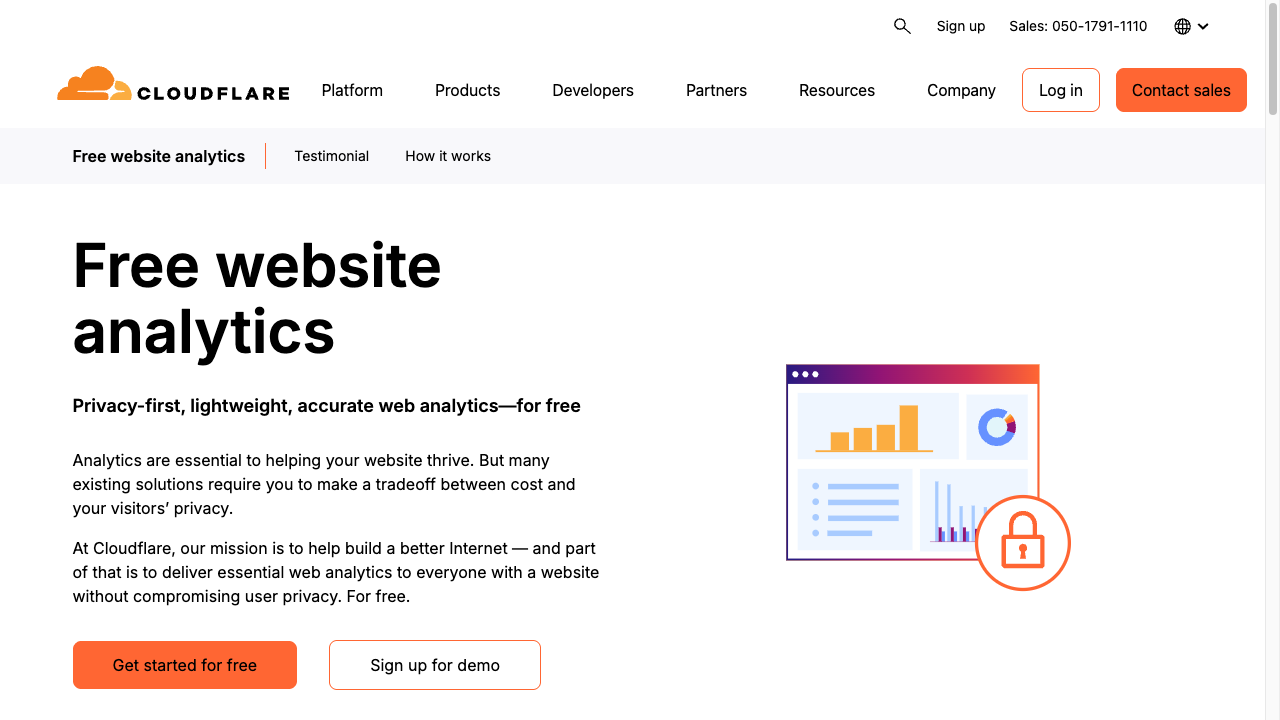
Paste the tag just before </body> on every page.
  <script defer src="https://static.cloudflareinsights.com/beacon.min.js"
          data-cf-beacon='{"token": "the string you were given"}'></script>
</body>Google Analytics (GA4)
The most widely used analytics tool in the world. It shows time on page, where people came from, and the path they took. You’re likely to meet it at work someday, so setting it up is good practice in itself.
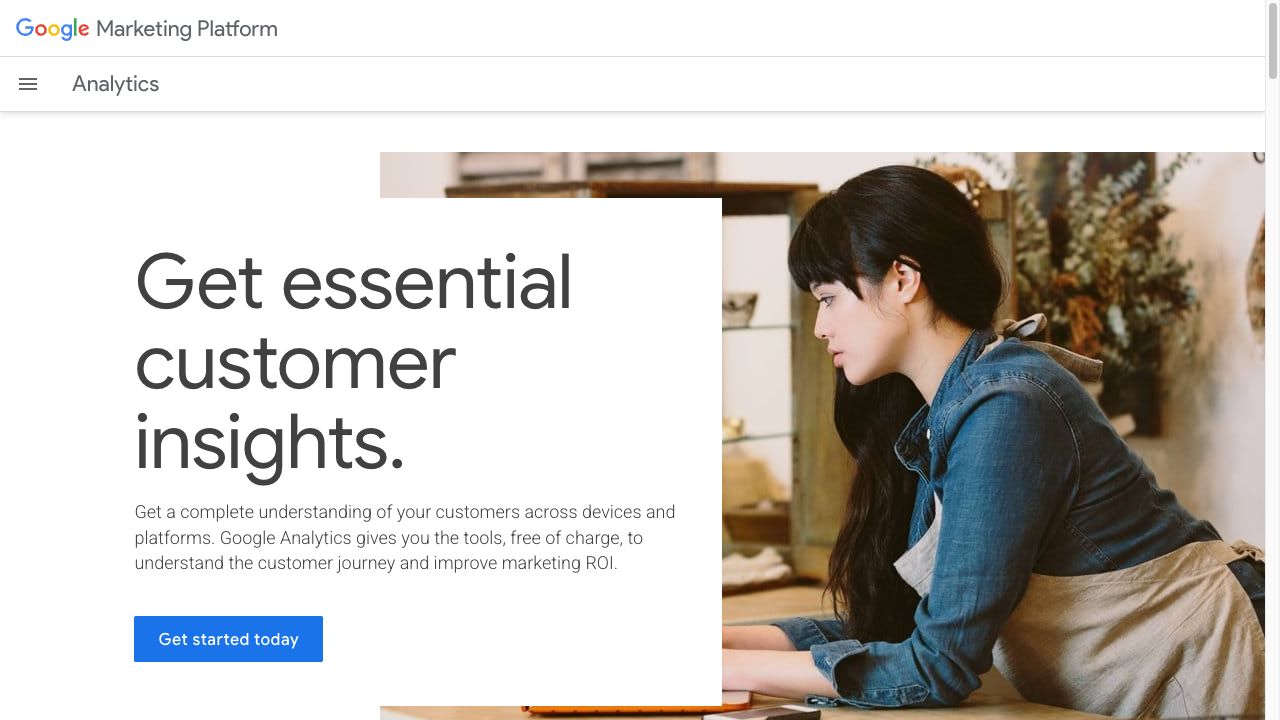
Use the measurement ID it issues (a string starting with G-) in a tag inside <head>.
<script async src="https://www.googletagmanager.com/gtag/js?id=G-XXXXXXX"></script>
<script>
  window.dataLayer = window.dataLayer || [];
  function gtag(){dataLayer.push(arguments);}
  gtag('js', new Date());
  gtag('config', 'G-XXXXXXX');
</script>The four numbers to start with
| Number | Meaning | How to use it |
|---|---|---|
| Visitors | How many people came | Overall momentum |
| Pageviews | How often pages were shown | Roughly, pages per person |
| Top pages | What’s read most | What to write next |
| Referrers | Search, social, direct | Which entrance is working |
The most useful is top pages. Discovering that a page you didn’t expect is the one being read is this tool’s greatest gift.
How it differs from Search Console
Both are free, and they look at different places.
- Search Console — the search side. Which queries you appeared for, and how many impressions you got
- Analytics — your site’s side. Which pages visitors read, and how
With both, you can follow the whole path: appeared in search → clicked → read this page.
TipsSeeing how search views your site with Search ConsoleSetting up Search Console for the search sideRespecting privacy
A privacy policy doesn’t need to be elaborate. Even “This site uses Google Analytics to understand how it’s used. No personally identifying information is collected” is far more honest than nothing.
Summary
- Start with Cloudflare Web Analytics — one script, no cookies, no consent banner needed
- Add GA4 when you want detail; it’s also what you’ll meet professionally
- Watch top pages and referrers, monthly. If you use cookies, say so in a privacy policy
Once you can see the numbers, a site stops being something you finished and becomes something you grow.