
After you publish, Google Search Console tells you how search sees your site for free: which words people searched, how often you appeared, and how often they clicked. It’s the first tool to set up once your site is live.
Setting it up
1. Add a property
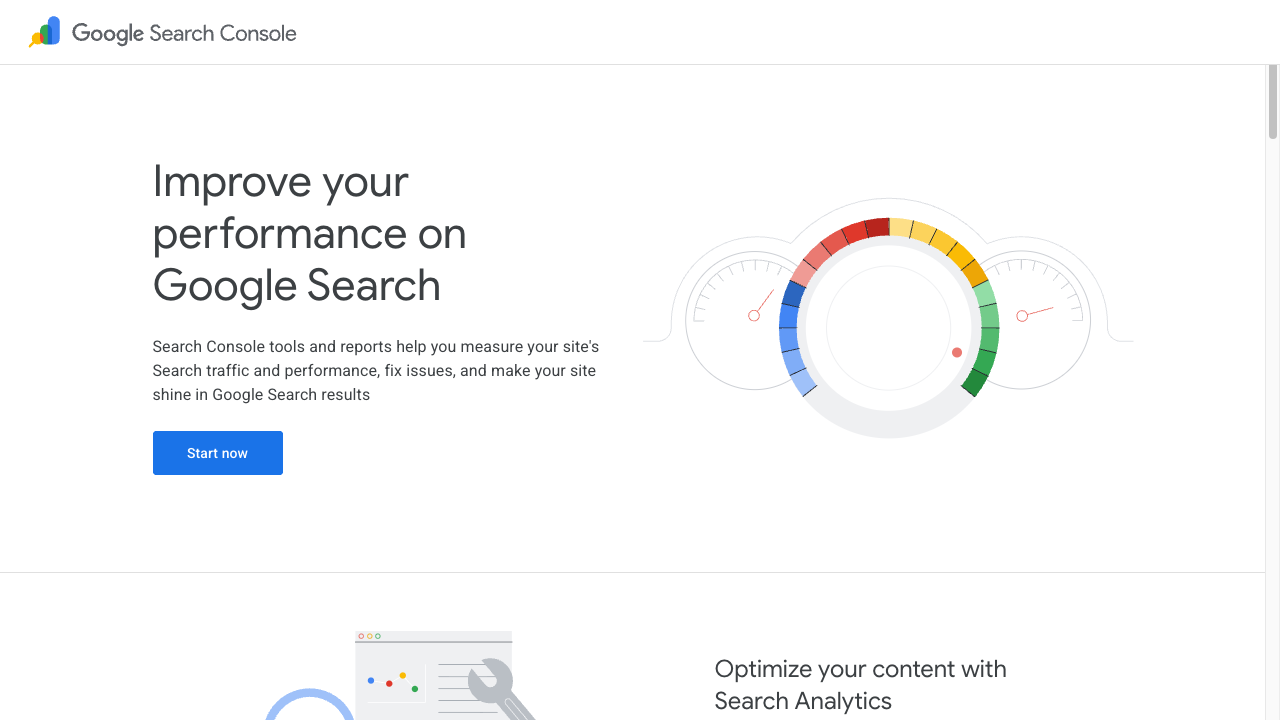
Sign in through “Start now” and you’re asked which of two registration types you want.
| Type | When to choose it |
|---|---|
| Domain | You own a custom domain and can edit DNS |
| URL prefix | Everything else. Beginners want this one |
Choose URL prefix and enter your published URL exactly, starting with https://.
2. Verify ownership
This is the “is this really yours?” step. Several methods are offered; for a static site, the HTML tag is easiest.
Paste the tag you’re shown into your page’s <head>.
<head>
  <meta charset="UTF-8">
  <meta name="google-site-verification" content="the string you were given">
  <title>About Shima</title>
</head>
Publish the change (upload or push), then click Verify in Search Console.
3. Submit a sitemap (if you have one)
A sitemap is a file listing your pages (sitemap.xml). On a large site, submitting one helps your pages get found.
A handmade site of a few pages doesn’t need one. Telling Google about each page via URL Inspection is plenty.
The two screens to look at first
Performance
Shows which searches you appeared for.
| Metric | Meaning |
|---|---|
| Impressions | How often your page appeared in results |
| Clicks | How often it was actually opened |
| Average position | Your typical rank in results |
Pages with many impressions but few clicks are telling you to rewrite the title and description.
TipsGetting found — how to write your title and descriptionWriting the title and description that appear in resultsURL Inspection
Type one of your URLs into the box at the top and you’ll see whether Google has it indexed.
If it says the URL is not on Google, click Request indexing — the way to say “please come and look.”
Common statuses and what they mean
| Status | Meaning / what to do |
|---|---|
| Discovered – currently not indexed | Known but not indexed yet. Wait |
| Crawled – currently not indexed | Visited but not indexed. Common on thin pages |
| Duplicate | Something very similar exists. Differentiate the content |
| Excluded by noindex tag | The page carries <meta name="robots" content="noindex">. Check it isn’t there by accident |
When to come back to it
You don’t need to check daily. These moments are worth it:
- After adding a page — request indexing via URL Inspection
- Monthly — look at Performance for the queries rising and falling
- After a redesign — check that errors haven’t appeared
Summary
- Search Console is free. Register with URL prefix and verify with a tag in your
<head> - Look at Performance (what you appeared for) and URL Inspection (whether you’re indexed)
- Not appearing right after publishing is normal. Request indexing and wait
Knowing which words lead people to you is the clearest guide to what to write next.