
Tips・Handy beyond coding

10 Chrome extensions worth knowing about

Ten little-known Chrome extensions that make every day a bit easier just by having them installed. From shopping to password management to productivity, only the genuinely useful ones.

Chrome extensions aren’t only tools that help with coding. From shopping to password management to productivity, there are plenty that make life a little easier just by knowing about them. Here we introduce 10 such staples all together.

TipsChrome extensions that make research fasterFor developer-focused extensions that help with coding itself, see here

Shop a little smarter

Keepa

An extension that shows a price history graph for a product on its Amazon page. “Is this sale really a good deal?” becomes clear at a glance, compared against past prices.
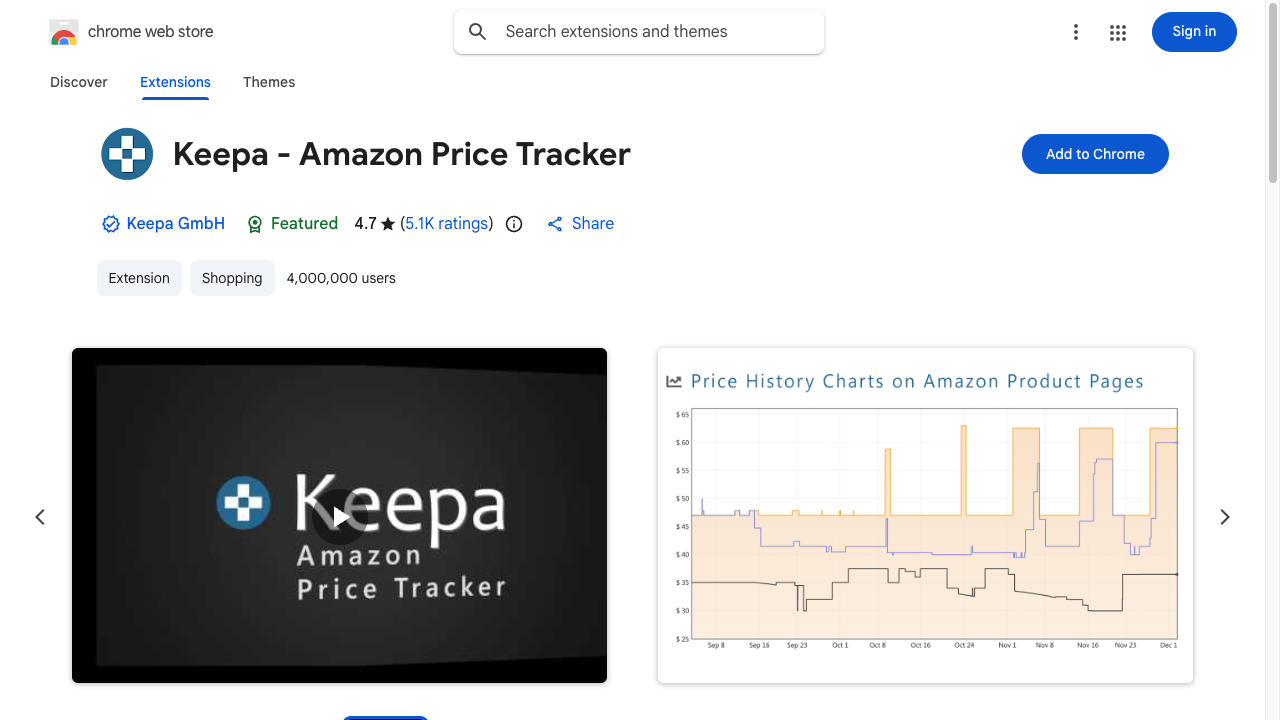
Keepa’s Chrome Web Store page. The extension’s icon and description, a sample price-history graph, and a blue “Add to Chrome” button are lined up
Just open a product page and its price history is graphed automatically. So you can judge calmly, without being pressured by “sale” labels.

Keepa

Boost your everyday security

Bitwarden

A password manager that gathers your scattered per-site passwords into an encrypted vault and manages them. It also autofills on login screens.
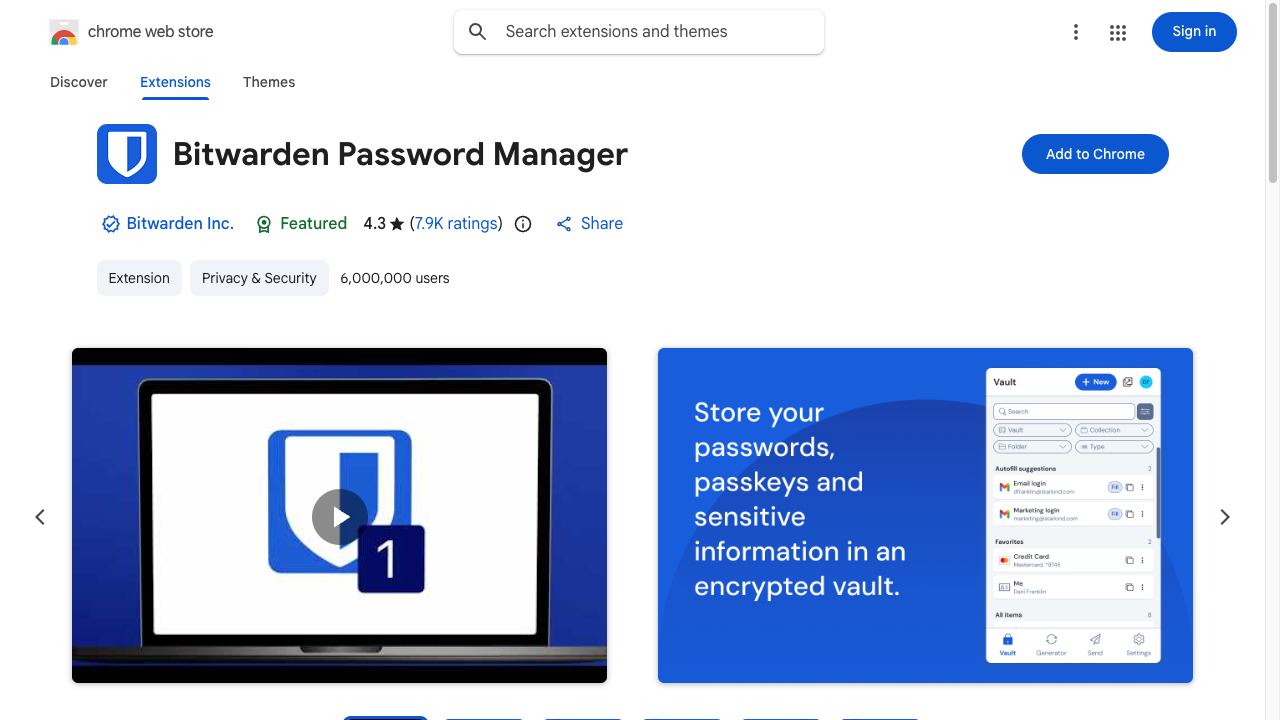
Bitwarden’s Chrome Web Store page. The extension’s icon and description, a sample password-vault screen, and a blue “Add to Chrome” button are lined up
Remember just one master password, and you can leave all the rest to the extension.

Bitwarden

Make browsing more comfortable

uBlock Origin Lite

A standard extension that blocks annoying ads and trackers all at once. Pages also load noticeably faster.
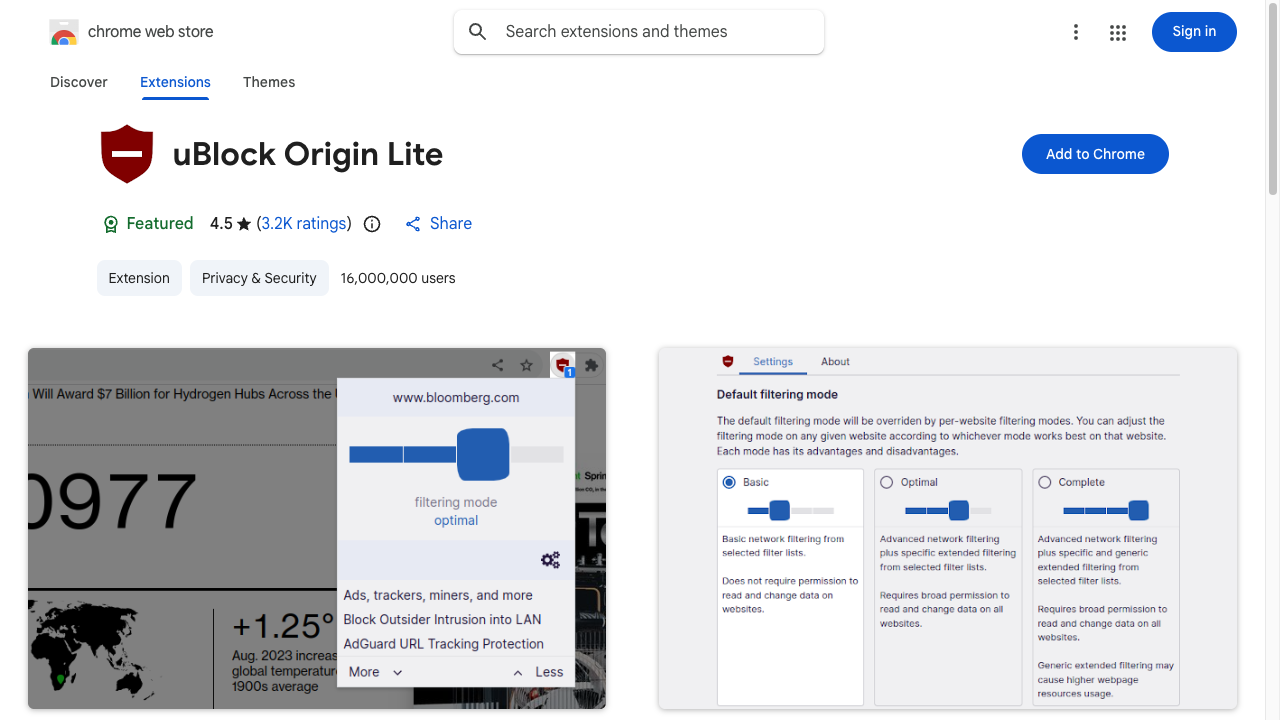
uBlock Origin Lite’s Chrome Web Store page. The extension’s icon and description, a filtering settings screen, and a blue “Add to Chrome” button are lined up
Pages cluttered with ads become clean and quiet.

uBlock Origin Lite

Dark Reader

An extension that forcibly switches every site you view to a dark display. It makes your eyes less tired during nighttime browsing.
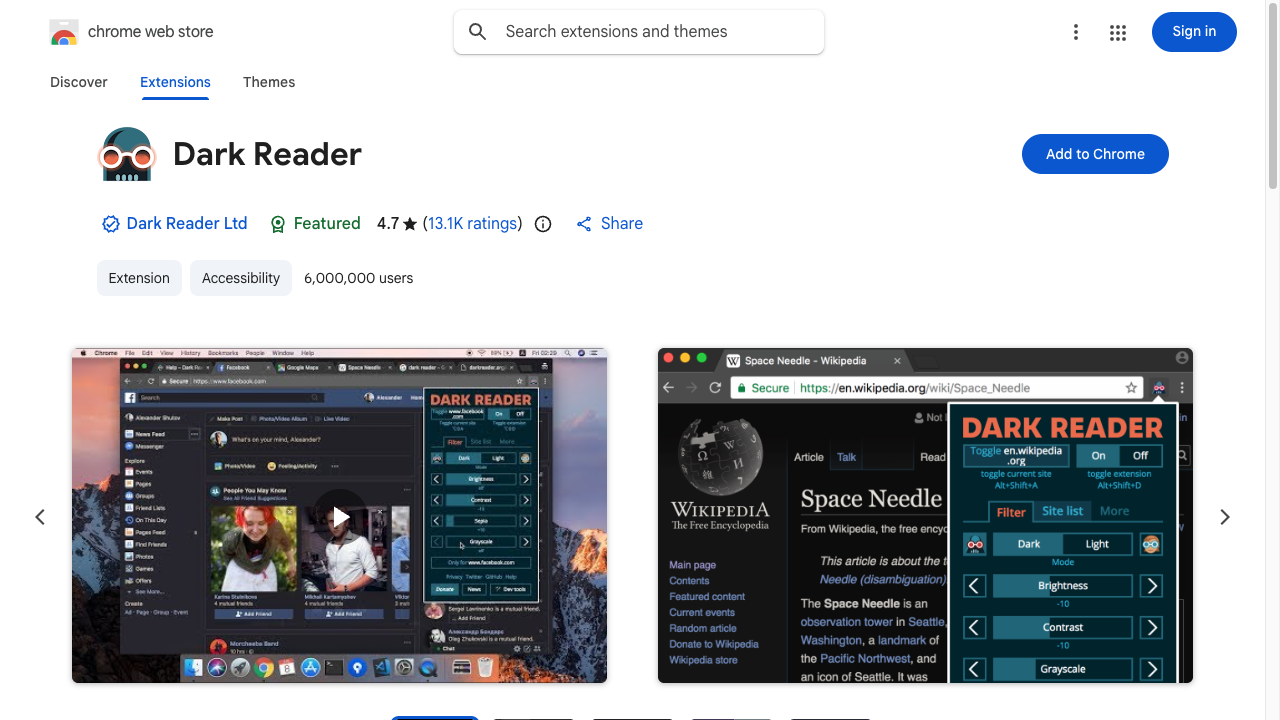
Dark Reader’s Chrome Web Store page. The extension’s icon and description, a sample dark-mode display screen, and a blue “Add to Chrome” button are lined up
Even pure-white sites that don’t support dark mode get made dark, with brightness and contrast adjusted automatically.

Dark Reader

Make your work easier

OneTab

An extension that gathers too-many open tabs into a single list with one click. It also lightens the load on your computer.
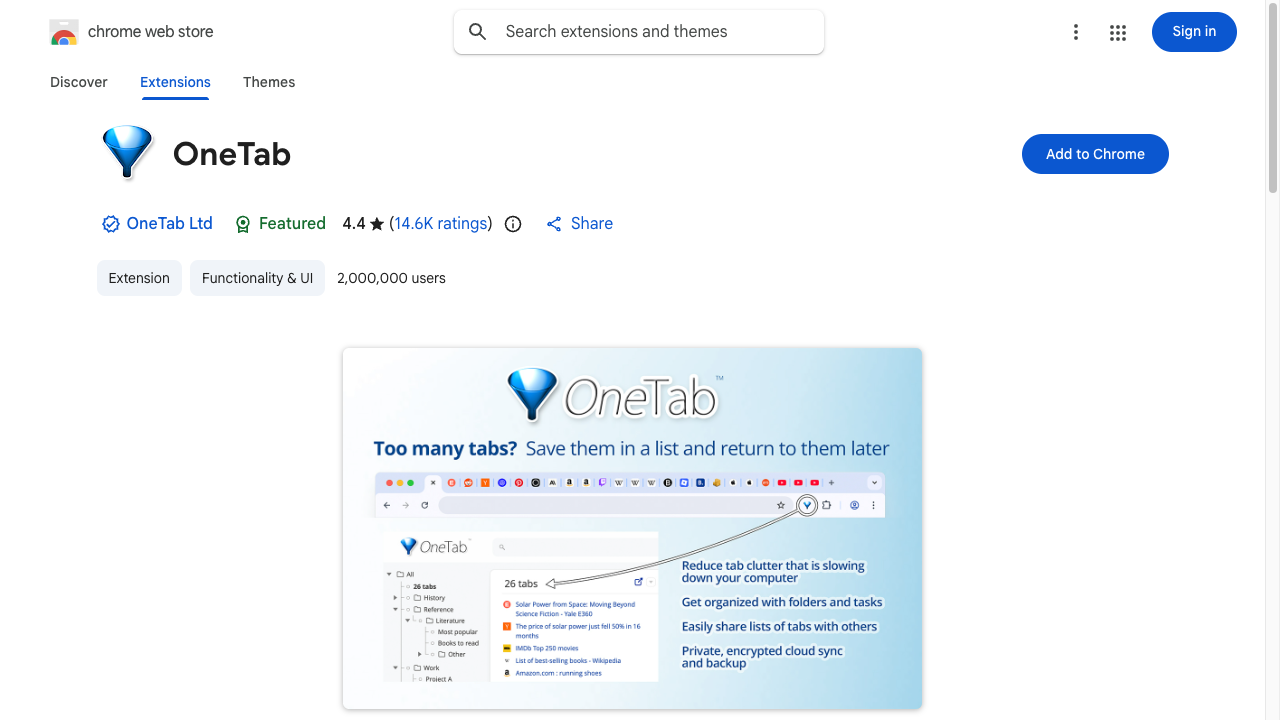
OneTab’s Chrome Web Store page. The extension’s icon and description, an image of many tabs collapsing into a list, and a blue “Add to Chrome” button are lined up
When “read later” tabs pile up and things get sluggish, you can fold them away for now with this.

OneTab

Todoist

A staple task-management extension that lets you add and manage to-dos right in the browser. You can turn a page you’re curious about straight into a task.
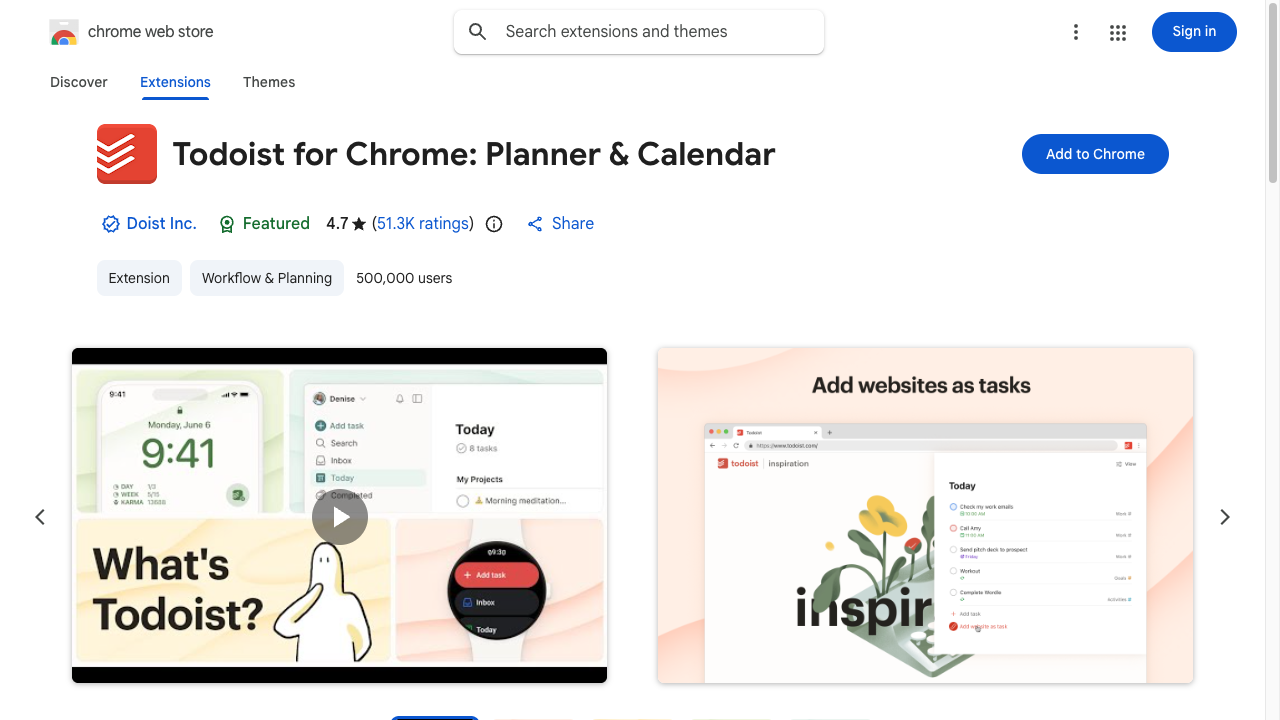
Todoist’s Chrome Web Store page. The extension’s icon and description, a task list screen, and a blue “Add to Chrome” button are lined up
Turn a “do it later” into a task the moment it occurs to you. It covers for forgetfulness.

Todoist

Google Keep Chrome Extension

An extension that lets you save part of a page you’re viewing, or a link, to a Google Keep note with one click.
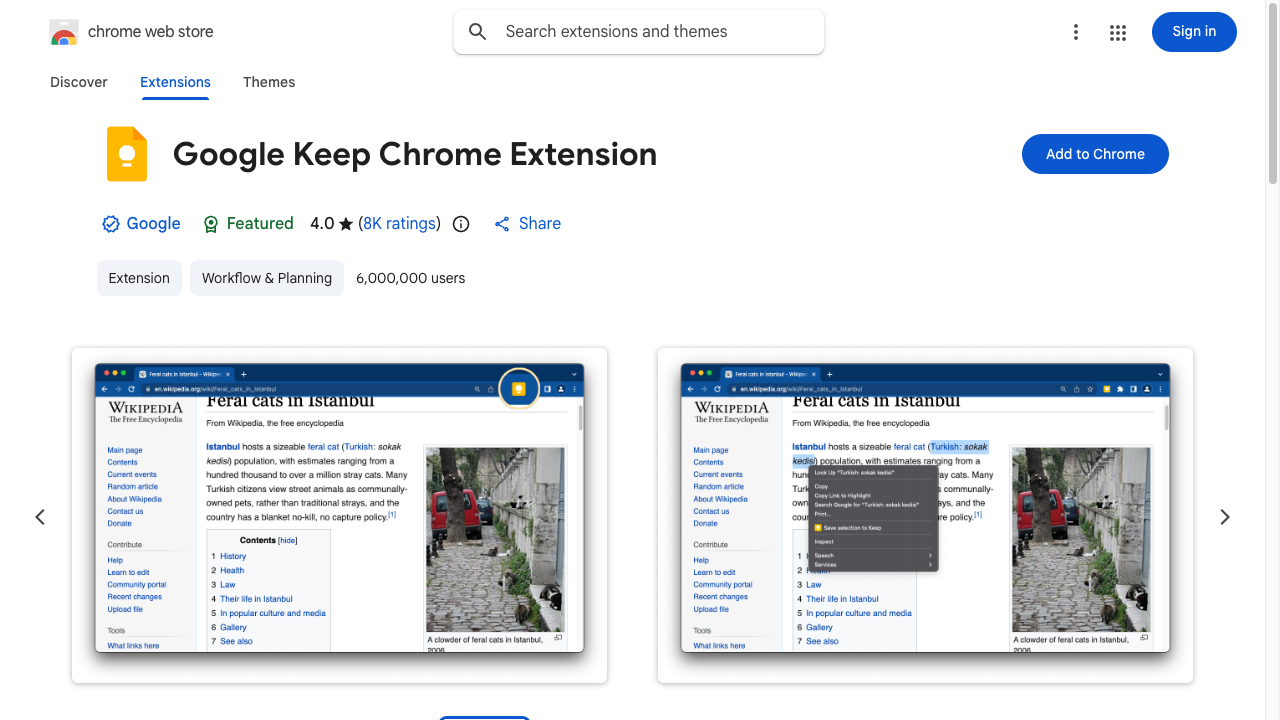
Google Keep Chrome Extension’s Chrome Web Store page. The extension’s icon and description, a sample screen of saving part of a web page to a note, and a blue “Add to Chrome” button are lined up
Keep a sentence or image that caught your eye as a note straight from the right-click menu.

Google Keep Chrome Extension

GoFullPage

An extension that screenshots an entire long page that won’t fit on screen, all as a single image.
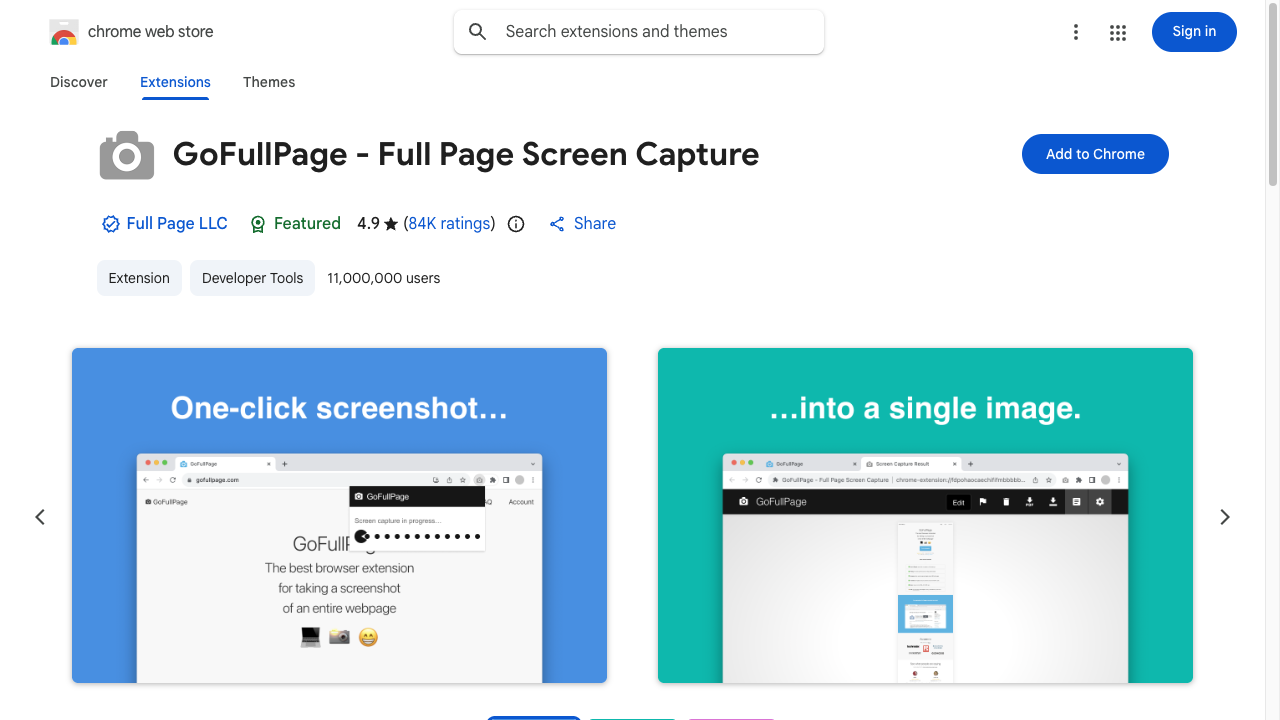
GoFullPage’s Chrome Web Store page. The extension’s icon and description, an image of a whole page combined into one screenshot, and a blue “Add to Chrome” button are lined up
Just click the icon and even a long page that needs scrolling becomes a single image.

GoFullPage

Zoho Annotator

An annotation tool that lets you draw arrows and text onto a screenshot you’ve taken, right on the spot. It also has a screen-recording feature.
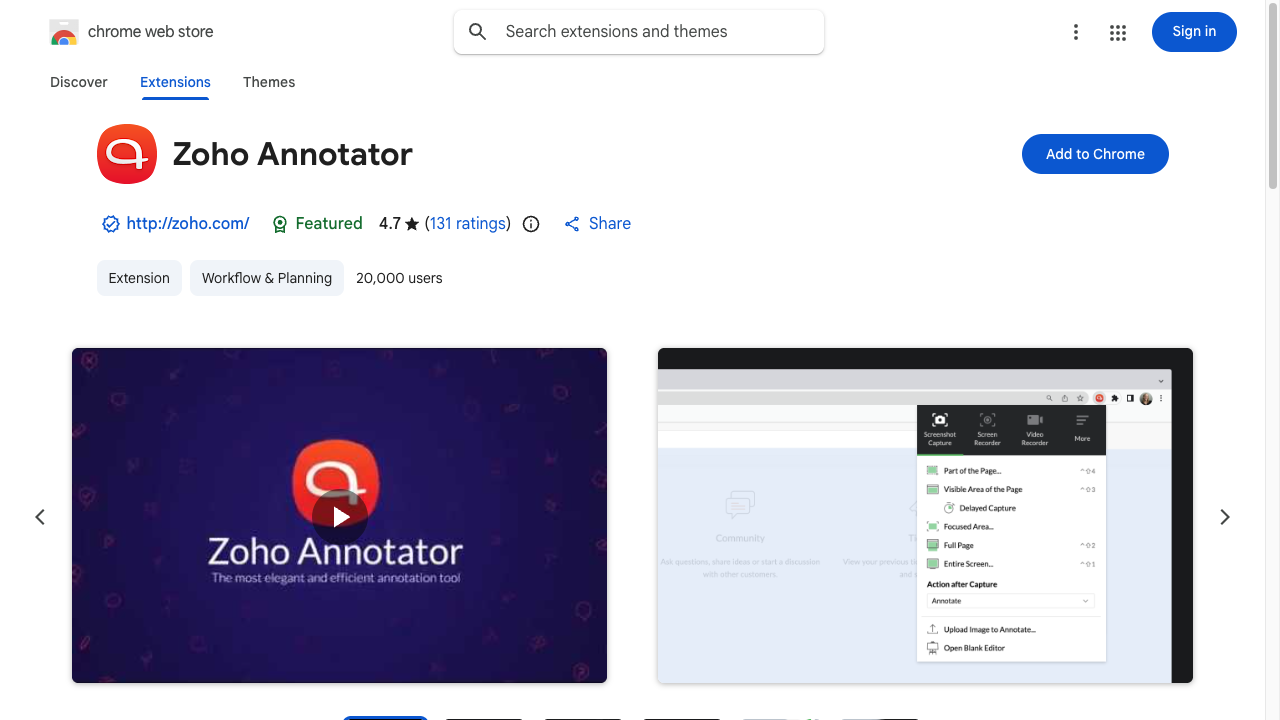
Zoho Annotator’s Chrome Web Store page. The extension’s icon and description, a screenshot and screen-recording menu screen, and a blue “Add to Chrome” button are lined up
When you want to convey “this is the part I don’t get,” just capture the screen and draw an arrow, and your explanation gets across far more easily.

Zoho Annotator

Break down the language barrier

Google Translate

An extension that translates on the spot—selected text or a whole page. It greatly lowers the hurdle of reading overseas sites.
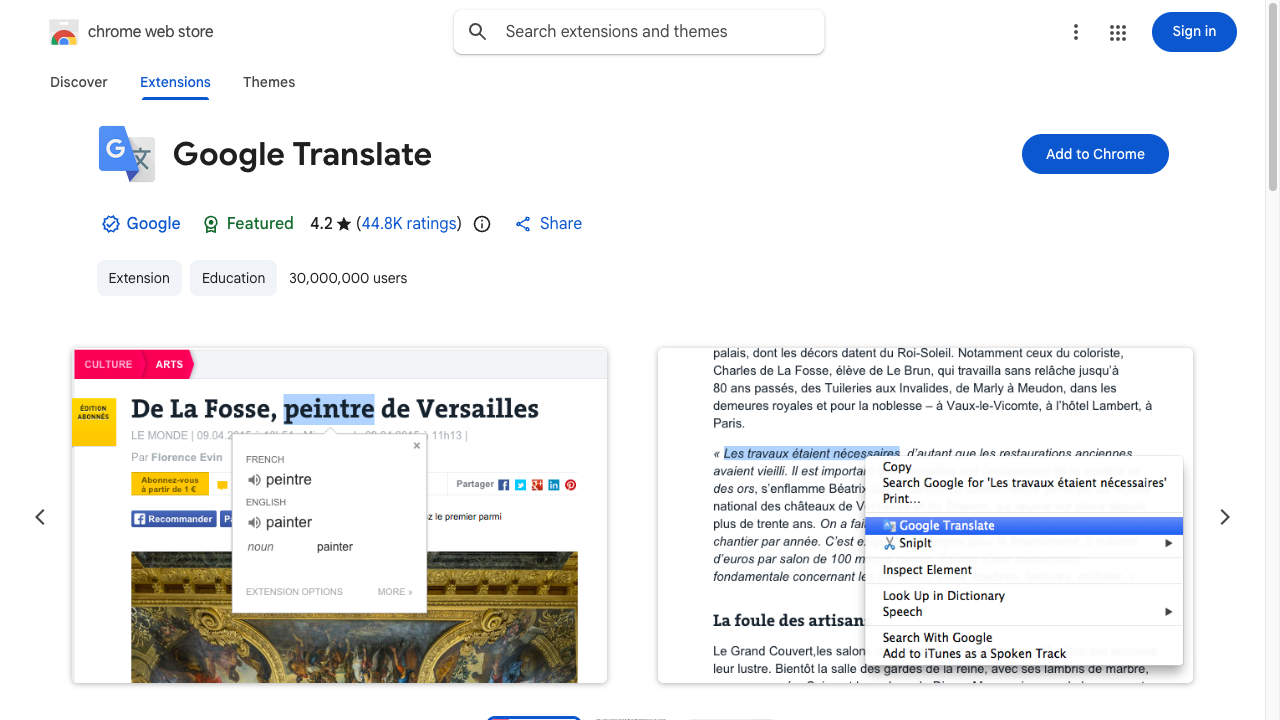
Google Translate’s Chrome Web Store page. The extension’s icon and description, a sample screen of selecting text to translate, and a blue “Add to Chrome” button are lined up
Just drag to select a word you’re curious about, and its meaning pops up.

Google Translate

Summary

  1. For shopping, Keepa; for password management, Bitwarden
  2. For comfortable browsing, uBlock Origin Lite and Dark Reader
  3. For productivity, OneTab, Todoist, Google Keep, GoFullPage, and Zoho Annotator
  4. To break down the language barrier, Google Translate

They’re all free and ready to try right now. Add them to your browser one at a time, starting with whichever caught your eye.

FAQ

Where do I install extensions from?
You install them from the Chrome Web Store. Just press the "Add to Chrome" button on the listing page, and it's ready to use in a few seconds. Uninstalling is the same—one click from the extensions management screen.
Does installing too many extensions slow things down?
Yes, it does. Even if each one is light on its own, the more extensions that run in the background, the more memory they use, and the browser tends to start up and run more slowly. Disabling or removing the ones you no longer use, little and often, keeps things comfortable.
Are extensions safe?
They're a mixed bag. Choose ones like those in this article, with many users and a clearly identified maintainer, and for those that handle personal information or passwords (like password managers) especially, check the developer and the ratings and number of reviews before installing.