
“There’s somehow spacing above a heading.” “A button looks different in each browser.” The true culprit is the styles the browser adds on its own from the start. What wipes them to a clean slate is reset CSS. To put the conclusion first: while you’re learning, copy-pasting the mini reset in this article is enough. We’ll sum up what it even is, plus how to pick among three popular distributions.
What is reset CSS?
Even without writing a single line of CSS, the browser displays <h1> large, adds bullets to <ul>, and adds spacing to <body>. These “default styles” are helpful, but the flip side is that they get in the way once you start building your own design. And the amount of spacing and the appearance differ subtly by browser.
So reset CSS is a base that erases the default styles (= resets them), so you can start writing from a clean slate.
These “styles the browser has from the start” have a name: the user agent stylesheet. The look of <h1> being large or <ul> having bullets, even though you didn’t write a single line, all comes from here. Reset CSS is CSS whose job is to overwrite and disable this user agent stylesheet.
A copy-paste mini reset
Before using a distributed one, this is enough to start. Paste it at the very top of style.css.
*,
*::before,
*::after {
  box-sizing: border-box;   /* make width math intuitive */
}
body,
h1, h2, h3, h4, p,
ul, ol, figure {
  margin: 0;                /* erase arbitrary spacing */
}
img {
  max-width: 100%;          /* keep images from spilling out */
  height: auto;
  display: block;
}
button,
input,
textarea {
  font: inherit;            /* prevent the "only form fields have different text" problem */
}
It only does four things. Unifying how width is calculated (box-sizing), deleting default spacing, preventing images from spilling out, and unifying the font of form parts. Most of the mysterious “why is it doing that” problems beginners hit disappear with these four.
Three popular distributed reset CSS
In team settings and distributed templates, proven reset CSS is often used. Here are three popular ones with different directions.
destyle.css
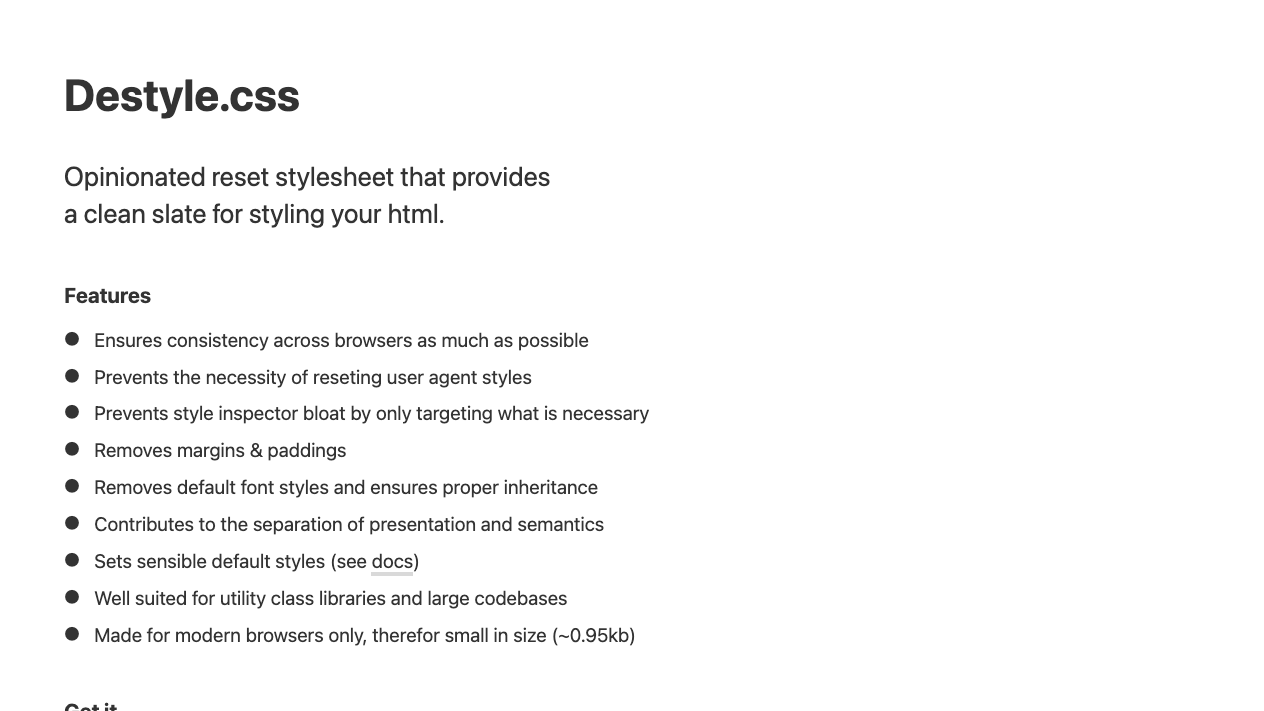
A reset CSS that goes all-in on “erase everything,” popular in Japan’s production scene. Heading sizes and button appearances become completely blank, so it suits sites that assume you’ll build the design from scratch yourself. Whether that feels like erasing too much or feels refreshingly clean comes down to taste.
ress
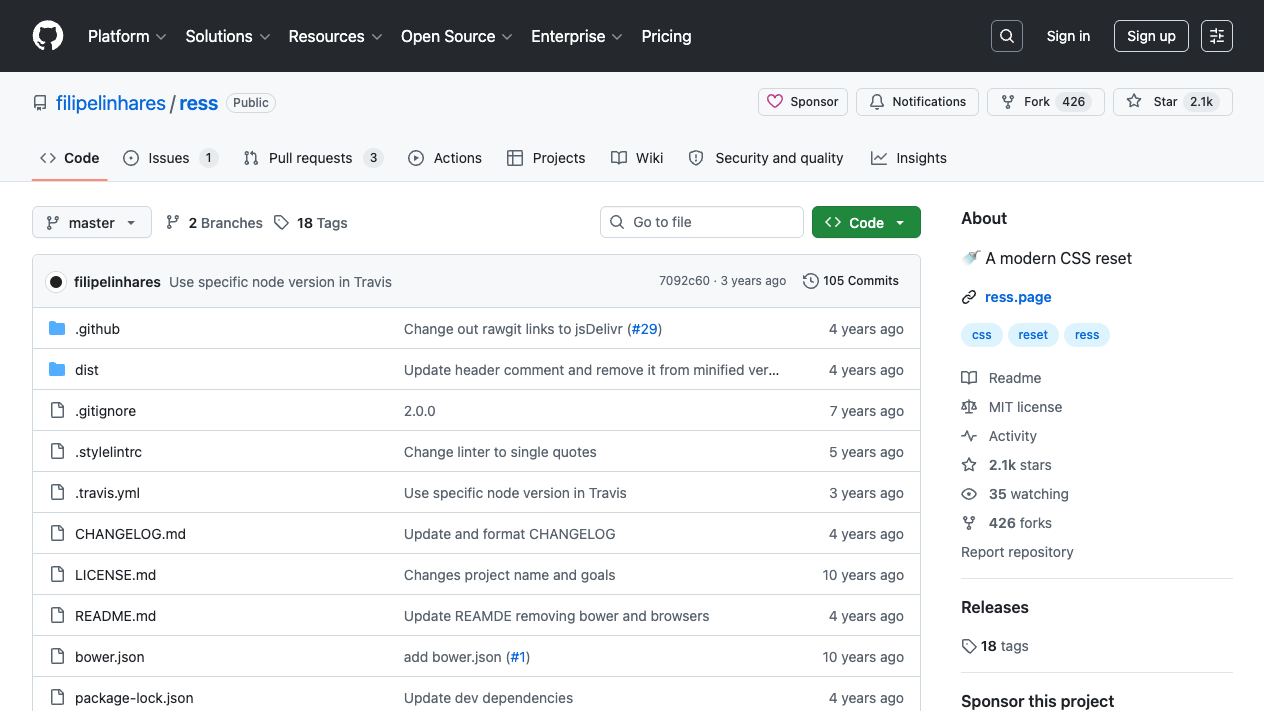
A balanced type between “erasing” and “tidying up.” It lines up the differences in default styles while also including practical groundwork like unifying box-sizing. Its position is a reset-leaning enhancement based on normalize.css (the originator of the difference-aligning type).
sanitize.css
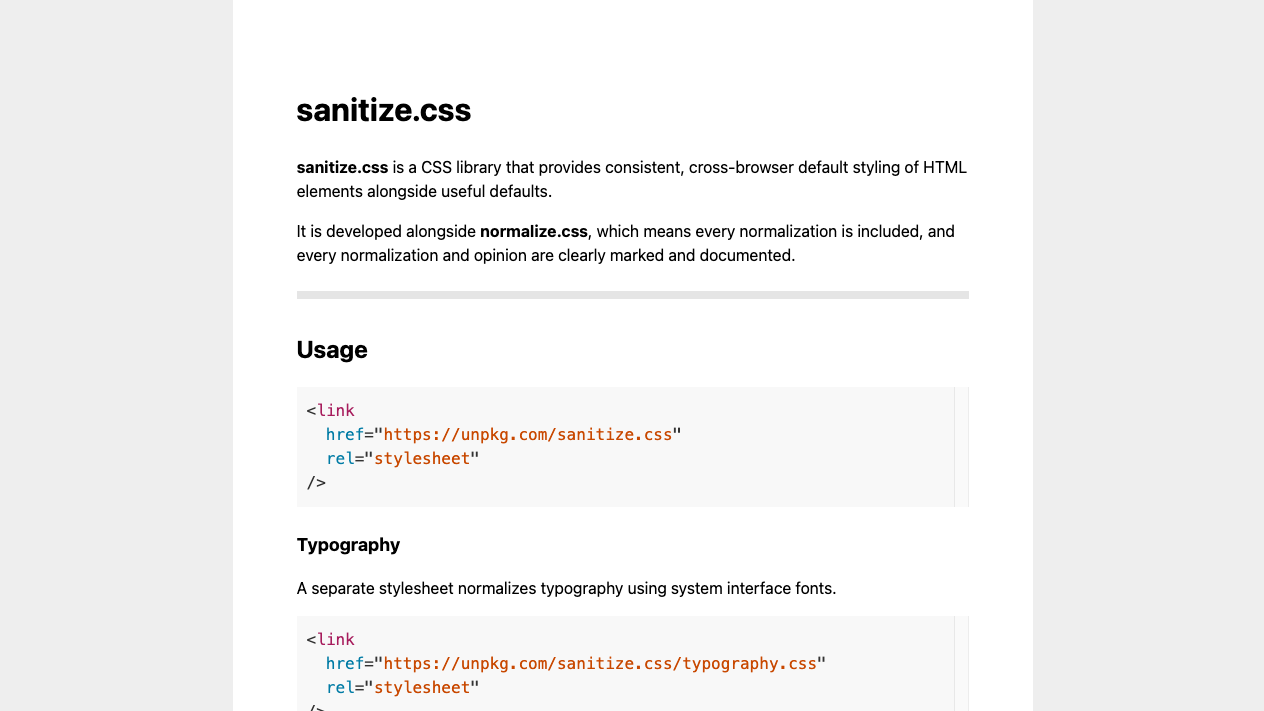
The representative of the normalize type: “keep the default look, and fix only the browser differences.” Heading sizes and list bullets remain, so it suits pages you want to base on the default look and tidy just a little, or text-centered sites.
How to use it: load it “before” your own CSS
Whichever you use, there’s one iron rule: load the reset CSS before your own CSS. In CSS, what’s written later wins, so if the order is reversed, your own styles get reset.
<head>
  <!-- 1. Reset CSS first -->
  <link rel="stylesheet" href="https://unpkg.com/[email protected]/destyle.min.css">
  <!-- 2. Your own CSS after -->
  <link rel="stylesheet" href="style.css">
</head>
You can download the file and place it in your own css folder, or, as in the example above, just write the URL of a CDN (a distribution server) directly, so no download is even needed.
When in doubt, use this guide
- While learning / a small self-made page → the mini reset in this article. Its strength is that you can understand every line of it
- Building the whole design from scratch → destyle.css. Buttons and forms become completely blank
- Wanting to make use of the default look / text-centered → sanitize.css. It lines up just the differences
- In between → ress
Summary
- Reset CSS is a base that erases “the styles the browser adds on its own” so you can write from a clean slate
- While learning, copy-pasting the mini reset is enough—just the four points of box-sizing, spacing, images, and forms
- Choose a distribution by direction—destyle.css if you’ll erase everything, sanitize.css if you’ll line up only the differences. Loading it before your own CSS is the iron rule
Clear the culprit behind “somehow it won’t do what I want” out of the way up front—just that alone makes CSS a far more obedient tool.