
Being able to ask anything, any time of day, as many times as you like. When you’re learning programming, an AI chatbot is like a teacher who’s always right next to you. This article introduces the go-to trio—ChatGPT, Gemini, and Claude—their strengths and how to pick between them. All of them are free to start, so if you haven’t tried one yet, signing up for just one of them today is plenty.
What you can do while learning programming
- Ask about errors … paste the error text and your code, and it’ll explain the cause and how to fix it
- Explain code … “what is this one line doing?”—it’ll break it down for you
- Ask how to write something … from plain words like “I want to make the image round,” it’ll tell you how to write it
- Get practice problems … ask “give me some HTML practice problems” and it’ll set them to your level
- Check your answers … show it the code you wrote and ask “anything wrong here?” for a review
The three go-to AI chatbots
Knowing just these three is enough to start. The AI inside each of them is highly capable, and as things stand today, you can’t go wrong whichever one you pick for learning.
ChatGPT
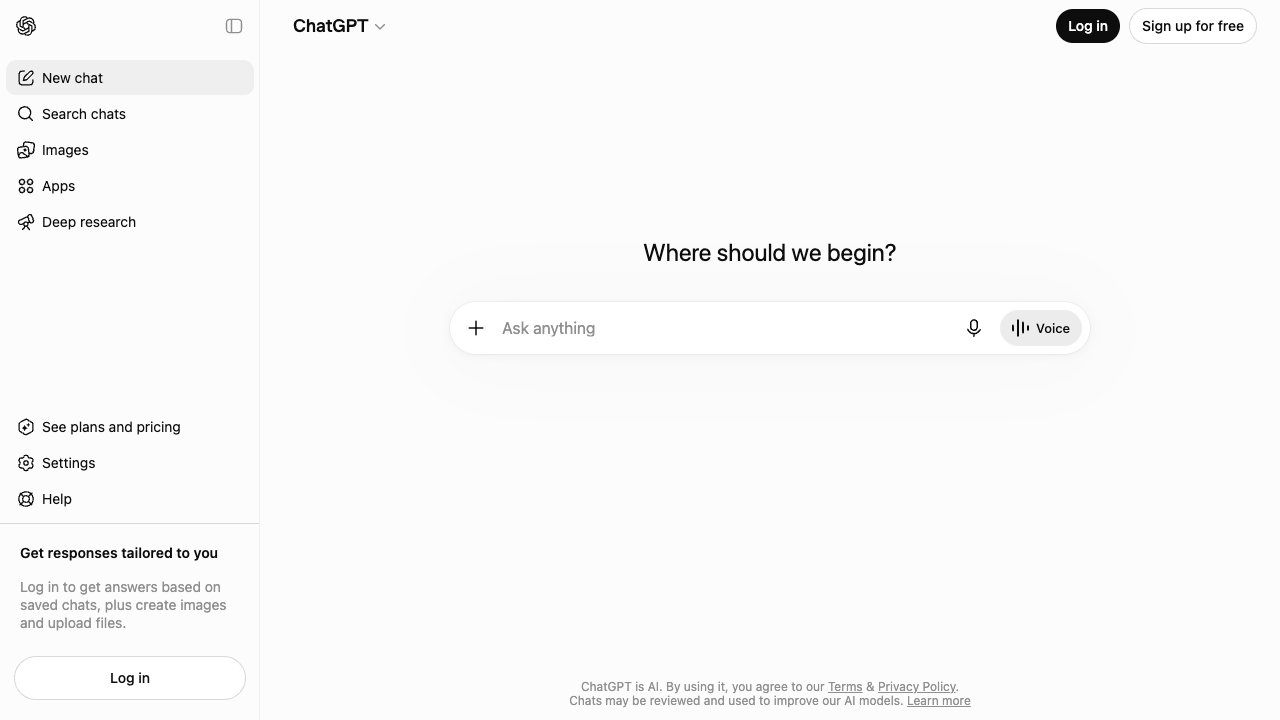
The most famous AI chatbot, provided by OpenAI. Because so many people use it, there’s plenty of info online along the lines of “ask ChatGPT like this.” If you’re unsure, starting here is a safe bet. You can sign up for free with just an email address.
Gemini
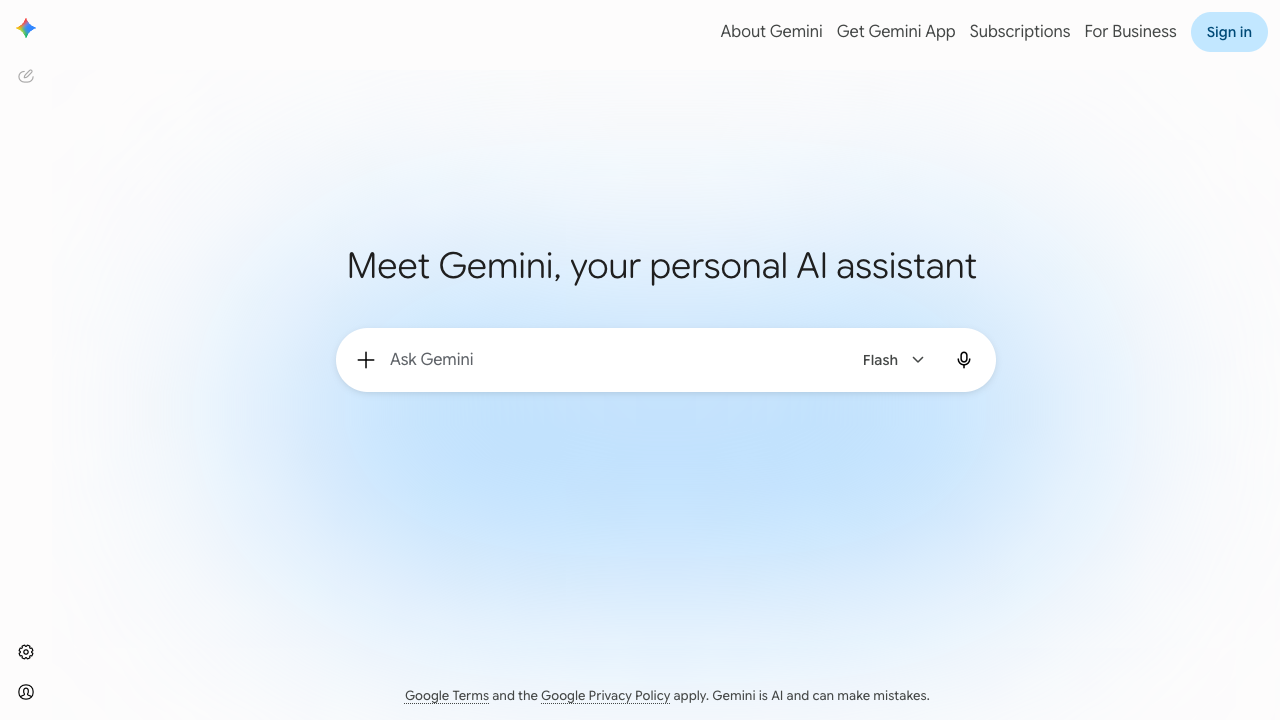
An AI chatbot provided by Google. Its appeal is how easy it is—if you have a Google account, you can use it right away, with no need to create a new account. If you already use Google Search or Gmail day to day, it’s the lowest-effort option to get started with.
Claude
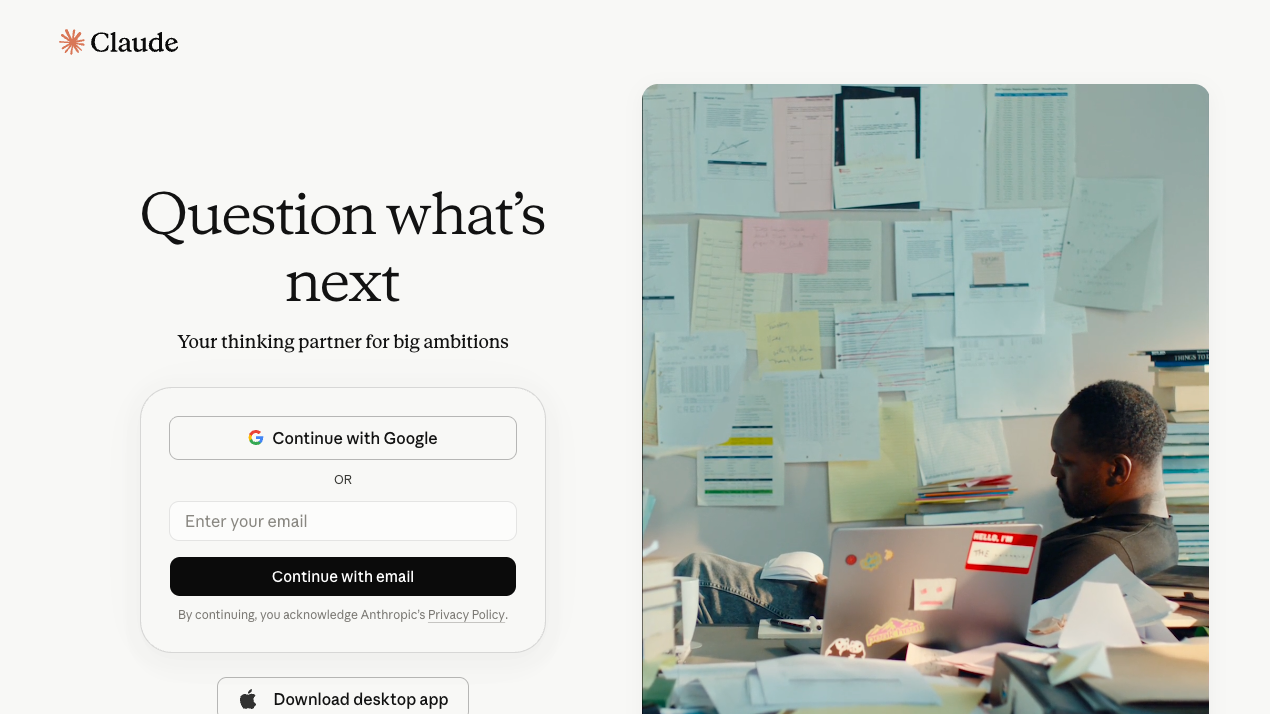
An AI chatbot provided by Anthropic. It has a reputation for careful, thorough explanations of code, which makes it popular as a partner for talking through programming. It’s also good at reading long text or code all at once, so it’s dependable when you want to say “look over this whole file and find what’s wrong.”
Which one should you pick?
| How to choose | Recommendation |
|---|---|
| I want the most famous one | ChatGPT |
| I want to start easily with a Google account | Gemini |
| I want to talk through code at length | Claude |
You don’t need to try all of them side by side. Deciding on one as your “usual go-to” actually helps you improve at how you ask, and in the end you grow faster.
If you’re stuck on your very first message
You signed up, but you don’t know what to say—when that happens, starting with a self-introduction is a good idea.
I'm a beginner who just started learning programming.
Right now I'm learning HTML and CSS.
Please explain technical terms in plain words.
Telling it this makes the wording of its later answers much gentler. After that, just say things like “I got an error” or “I don’t understand what this one line means,” exactly as they are.
Search or AI—which one?
An AI chatbot isn’t all-purpose; sometimes searching is faster. Having a rule of thumb saves detours.
| What you want to know | The better fit |
|---|---|
| Why your own code doesn’t work | AI (you can show it the code and the error) |
| What this one line means | AI (it can break it down) |
| The exact spec of a tag or property | Search (first-hand sources like MDN are certain) |
| What changed in the latest version | Search (the AI doesn’t have new information) |
| Recommended tools and asset sites | Search (you can see the real thing and choose) |
| Advice on what to learn next | AI (it can factor in your situation) |
Roughly: anything involving your own circumstances goes to the AI; confirming a fact goes to search.
AI inside your editor
Separately from chat, there’s a kind of AI that suggests the rest of a line while you type. You install it as a VSCode extension; it shows the remainder in grey and you accept it with Tab.
Useful—but there’s no hurry to add it while you’re learning, for two reasons.
- Leaning on completion before your hands know the shapes means you move on without being able to write it yourself
- The eye for judging whether a suggestion is right hasn’t grown yet
Cycling through “ask, understand, type it yourself” with a chatbot grows you more reliably. Add completion once your hands move on their own.
Decide in advance when to ask
The most common mistake is asking the instant you don’t know. You get the answer, but with zero thinking time it doesn’t stick. Setting your own rule works better.
- Think for five minutes first—read the error, go look at the line number, undo your last change
- If you have no lead after five minutes, ask—past that point, more time doesn’t grow you
- Once it’s fixed, ask why it was fixed—skip this and you’ll trip in the same place repeatedly
Keeping that rhythm turns AI from “a machine that hands out answers” into “a teacher who explains how to think.”
A few small tricks in how you ask raise the quality of the answers you get back quite a lot.
TipsHow to ask AI questionsHow to ask AI your programming questions—the tips and copy-paste templates are hereThat said, the AI’s answers aren’t always correct. Here’s the mindset for working with it well.
TipsDon't take AI's answers at face valueDon’t take AI’s answers at face value—the habit of catching mistakes and how to work with it while learningSummary
- An AI chatbot lets you ask questions 24 hours a day—the ultimate study buddy for self-learners
- The go-to trio is ChatGPT, Gemini, and Claude. The free plan is plenty
- If you can’t decide, pick one as your “usual go-to” and use it a lot
- Don’t write personal information, and don’t take answers at face value—those are the basics of using them
- Split it up: your own circumstances go to the AI, confirming facts goes to search
- Think for five minutes first—and once it’s fixed, ask why it was fixed
Just having someone you can ask when you don’t understand makes a huge difference in how easy it is to keep learning.