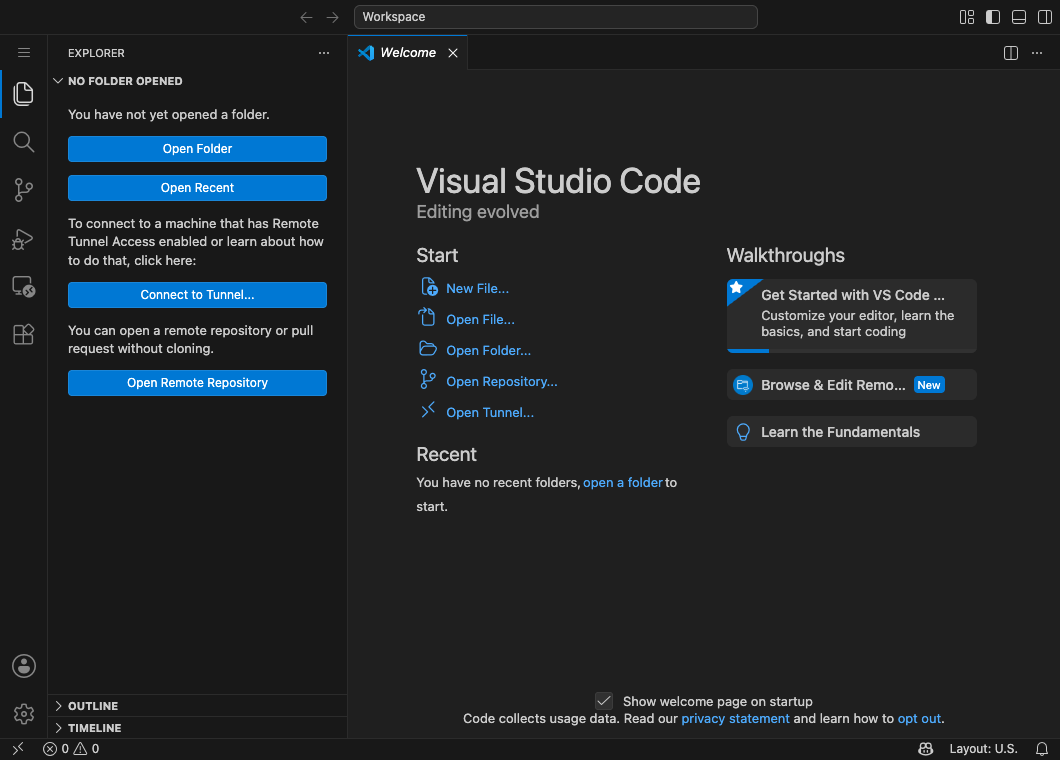
You’ve got VSCode. But where do you write that code, and where does it end up? The answer is “files” and “folders.” You already use them every day, so there’s nothing to be nervous about. Let’s just sort out the words here.
Things you already know
A photo you took on your phone, a document you downloaded — those are all files. And the “box” you tidy them away into is a folder.
Programming is the same. The code you write is saved as a “file,” and you keep those gathered together in a “folder.” It’s not a new concept — it’s exactly the same setup you already use on your computer.
The web page you’re about to make also starts from a single file at first. But as your project grows, the HTML file, the file that decides the look, images… the family keeps growing, one member at a time. That’s exactly why it’s important to decide up front on one folder: “everything that belongs to this project goes in this box.” Nothing gets scattered, you don’t lose track of anything, and when you hand it to someone later, you can just hand over the whole folder.
An extension = a file’s “type name”
At the end of a file name, there’s a short bit of text that comes after a . (dot). This is called the extension, and it shows the file’s type.
| Example file name | Type |
|---|---|
photo.jpg | jpg = image |
document.pdf | pdf = PDF document |
index.html | html = HTML file (the kind you’re about to make!) |
In other words, a file with HTML written in it gets the extension .html. That signal at the end of the name is how you tell the computer, “this is HTML.”
A small tip for naming
In the world of web building, it’s standard to use lowercase letters and numbers for file and folder names. The reason is simple: the pages you make will eventually be published on the internet — and at that point, the file name becomes part of the page’s address (the URL). Names with Japanese characters or spaces can end up as garbled text in the address, or make links fail to connect properly.
- Good examples:
web-practice,index.html,shima-photo.jpg - Examples to avoid:
my practice folder,homepage!.html(spaces, symbols, and non-English characters)
When you want to join words, use a - (hyphen) instead of a space. If you name things this way from the start, you’ll save yourself the trouble of fixing them later.
Open a folder “as a whole,” not “a single file”
In VSCode, you can open just one file, but from here on we’ll work by opening the whole working folder. When you open the folder as a whole, the contents of that box are listed on the left, so you can move between files and create new files all in one place. As your project’s files start to pile up, you’ll appreciate this difference more and more.
Summary of this lesson
- You write code in a file and gather it in a folder
- HTML files get the extension
.html - The standard for names is lowercase letters and numbers (use
-instead of spaces) - Opening the working folder in VSCode is your work home base