A heading in the center, a date on the right. Change how text is aligned with just text-align and balance out your page.
Text usually starts from the left. But a heading often looks better placed in the center, and a date or signature sits well aligned to the right. The one that controls this way of aligning text is text-align.
Let’s write it
h1 { text-align: center;}
This makes the heading center-aligned. Swap the value and the direction it aligns to changes.
text-align: left; … align to the left (the usual)
text-align: center; … align to the center
text-align: right; … align to the right
Headings center, side notes and dates right — using them by role like this gives your page a settled feel.
Lining up the three values makes the difference in where the text sits clear.
All three boxes are the same width. What’s moving is only the position of the text inside the box.
One more value: justify
Besides left, center, and right, there’s also a value called justify. It aligns both ends of each line — the kind of setting you often see in newspapers and books.
p { text-align: justify;}
In exchange for the right edge of the lines lining up perfectly, the gaps between characters stretch and shrink slightly from line to line. When the look bothers you, choosing not to force it and leaving it as left is a fine choice too.
Lining up the same text as ordinary left-aligned and as justify reveals the difference in how the right edges line up.
The top is ordinary left-aligned, the bottom is justify. You can see the bottom box has its right edge lined up perfectly.
Summary of this lesson
How text is aligned is text-align
Choose from the four: left, center, right, justify
What aligns is the text inside the box (not the box itself)
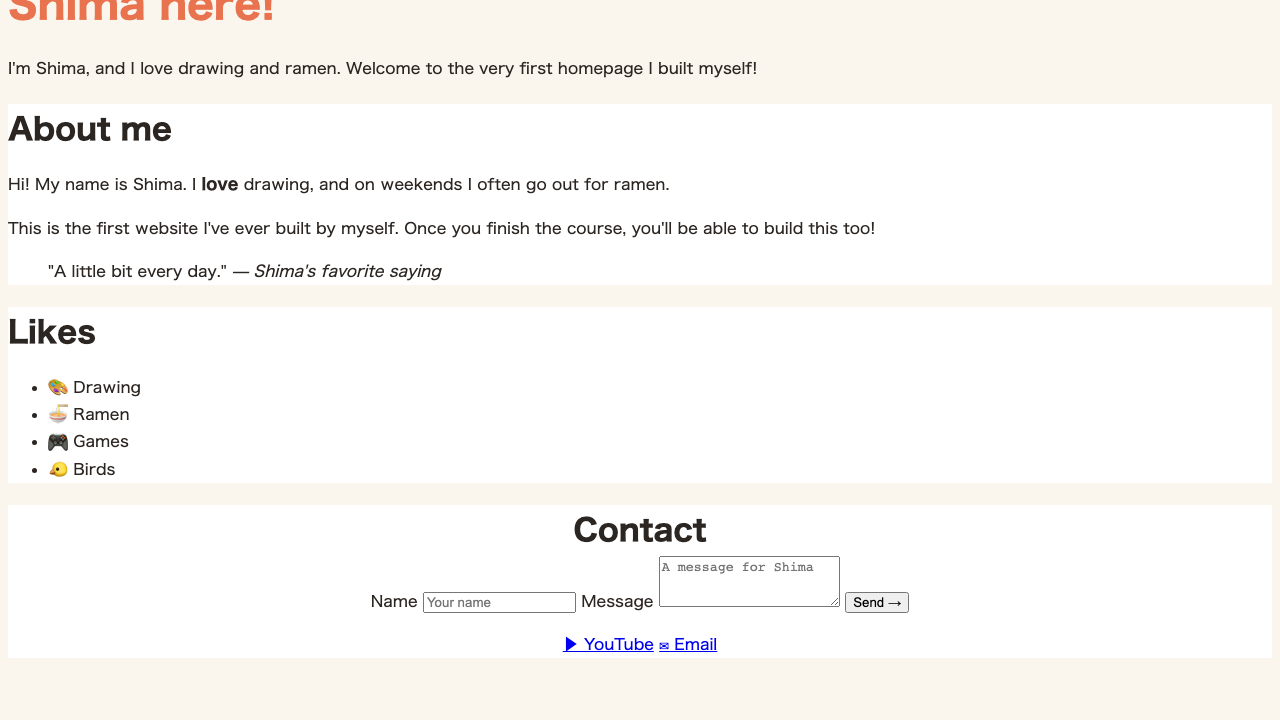
Try it: center the contents of Contact
Add class="contact" to the Contact <section> (like class="card contact" — you can attach two classes lined up).
.card stays as it is; you just added .contact on top. Remember here, too, that you can attach multiple classes to one element, separated by spaces.
The Contact heading and its contents shift to the center together.
FAQ
Can I center an image with text-align too?
A small image will shift over. Since img is treated as part of the same 'inline' family as text, setting text-align: center on the parent shifts the image inside to the center just like text.
Can I center vertically with text-align too?
No. What text-align aligns is only the left/right direction. Vertical centering is the job of other tools, like Flexbox's align-items.