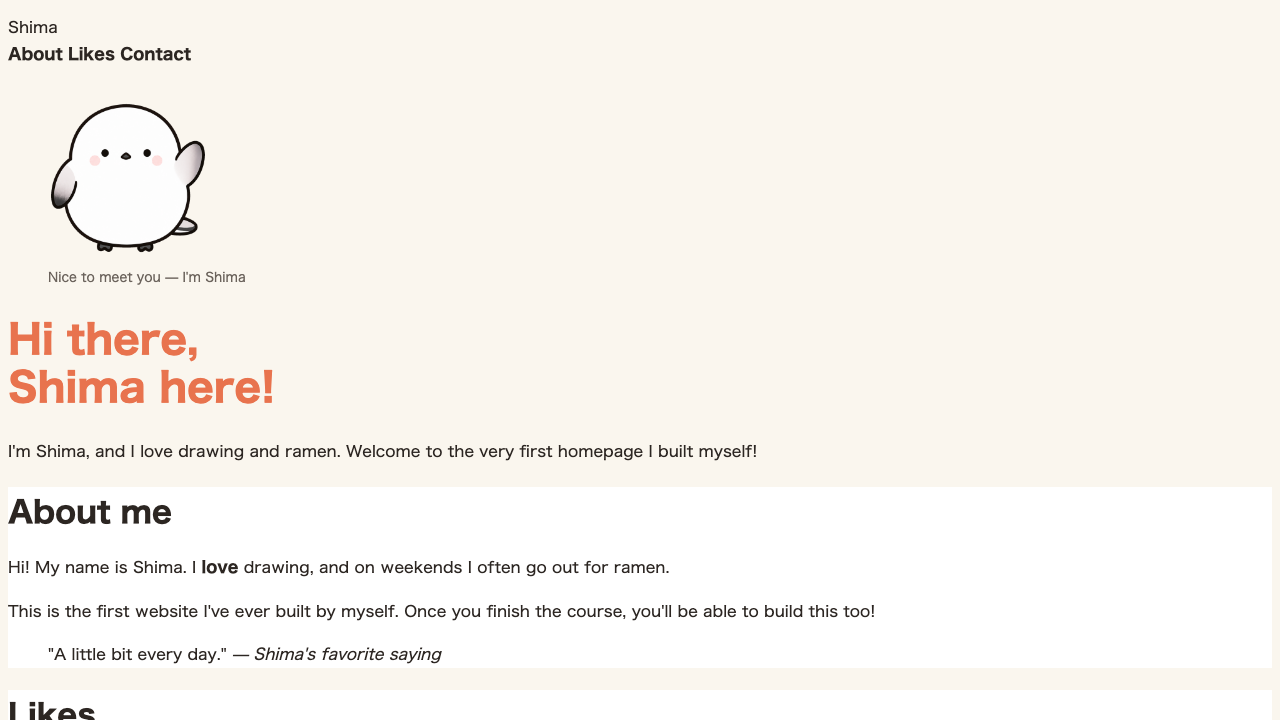
Beyond size and color, text can also carry “decoration” like weight and underlines. Make an important spot bold, or erase a link’s underline to keep things clean. A small adjustment makes text much easier to read.
Making it bold: font-weight
To make text you want to emphasize bold, use font-weight. Usually, learning the two values bold and normal is enough.
.important {
  font-weight: bold;
}
The spot with class="important" turns bold. Here too, targeting with a class comes in handy, doesn’t it?
Weight can be written as a number too
font-weight can take a number instead of a word.
h1 {
  font-weight: 700;
}
Numbers go from 100 to 900, and the bigger the number, the bolder. 400 is the same weight as normal, and 700 the same as bold. With a font that has many weight steps, you can also choose an in-between weight like 500 (slightly bold). To start, using “400 = normal, 700 = bold” as your baseline is plenty.
Adding or removing an underline: text-decoration
Underlines are controlled with text-decoration. To draw one, underline; to remove one, none.
.line {
  text-decoration: underline;
}
a {
  text-decoration: none;
}
Links (a) come with an underline from the start, but none removes it. You can choose whether to show or hide the underline to fit your design.
Lining up bold, underline, and strikethrough shows how each “decoration” takes effect.
font-weight, and line decorations are text-decoration — combine the two with their different roles to decorate text.Not just underlines: strikethrough and overline
The values you can put in text-decoration are actually not limited to underlines.
| Value | Meaning |
|---|---|
underline | Underline |
line-through | Strikethrough (a line through the middle of the text) |
overline | Overline (a line above the text) |
none | Remove the line |
Among these, line-through is handy to remember. It’s the standard for visually conveying “no longer valid,” like a pre-sale price or a finished to-do item.
.done {
  text-decoration: line-through;
}
Matching a link’s color to its surroundings: color: inherit
Links (a) come with not just an underline but a color too. You’ll often want to remove this to fit your design as well. For that, color: inherit;.
a {
  text-decoration: none;
  color: inherit;
}inherit is a value meaning “inherit from the parent.” It stops giving the link a special color of its own and matches it to the same color as the surrounding text. It’s a common move when you want to blend a navigation link and the like naturally into the text, like part of the writing.
Summary of this lesson
- Text weight is
font-weight(boldandnormal, or 400 and 700 as numbers) - Decorations like underlines are
text-decoration(underline,line-through,none) - Limiting where you use bold keeps the emphasis alive
color: inherit;matches a link’s color to the same as its surroundings