
The Playground is a fantastic practice ground, but its weaknesses were that it disappears on reload and that it’s hard to touch the theme’s files directly. The learning ahead — “building your own theme” — needs an environment that doesn’t disappear and where you can reach the files. That’s where the free app Local comes in. It lets you stand up a real WordPress inside your computer in a few clicks.
What kind of app is Local?
To run WordPress without a server, you’d normally have to set up tools like PHP and a database yourself. Local takes care of all of that for you in one bundle. Press a button and one WordPress site launches; you can make as many as you like, and delete and rebuild them freely. It’s a standard tool used by WordPress creators around the world.
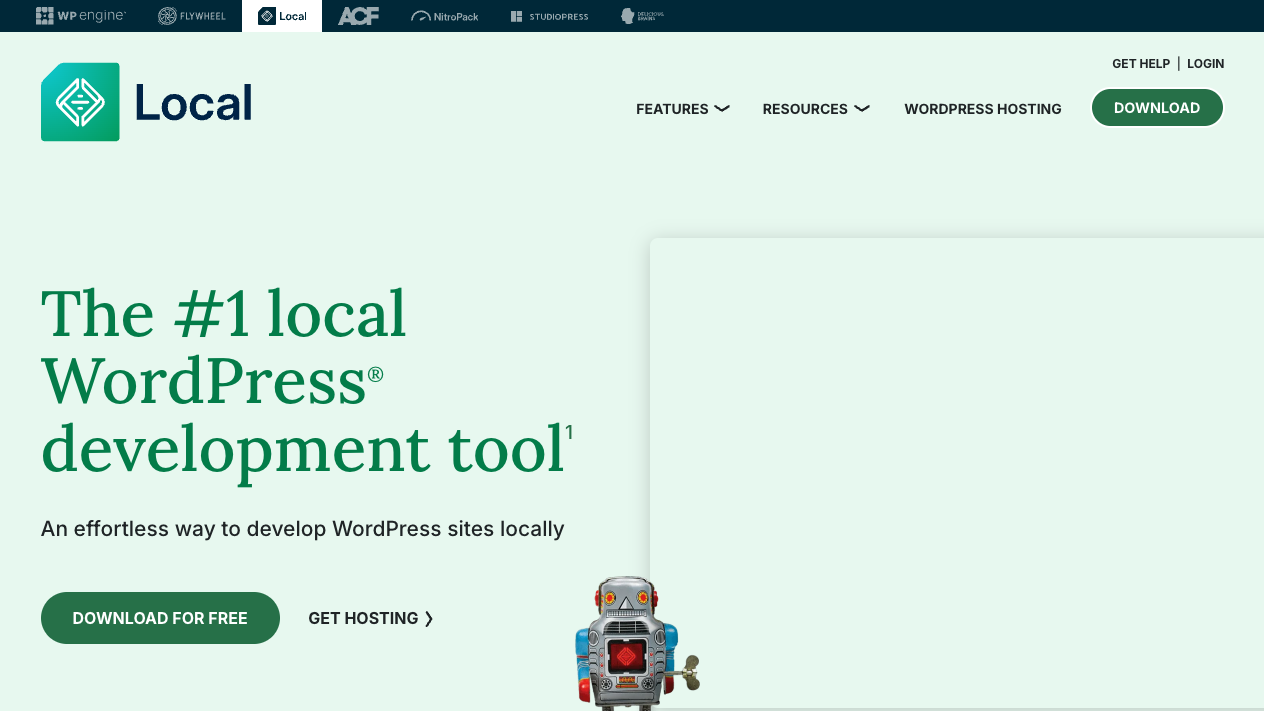
Installing and creating a site
- Get the installer from “DOWNLOAD FOR FREE” at localwp.com (you’ll be asked for your name and email)
- Open the downloaded file and install it following the guide
- Launch Local and press “Create a new site”
- Enter a site name (e.g.
practice). Leave the environment settings on Preferred and you’re fine - Decide and enter your own WordPress username and password — be sure to note these down. You’ll use them to log into the admin screen
- Wait for it to finish, and the site’s management card appears
The “WP Admin” button on the card opens the admin screen, and “Open site” opens the front side in your browser. It’s that familiar screen you walked through in the Playground.
The biggest difference from Playground: you can reach the files
A site made with Local exists entirely as folders on your own computer. Open it from “Go to site folder” on the site card, and you’ll find a structure like this.
practice/
└── app/
    └── public/          ← WordPress core
        ├── wp-admin/
        ├── wp-content/  ← themes, plugins, and images go here
        │   ├── themes/     ← the theme's address!
        │   ├── plugins/
        │   └── uploads/
        └── wp-includes/
The one to notice is wp-content/themes/. The true form of an installed theme (a bundle of files) is placed here. In the next lesson, we’ll make our own folder here — that’s the first step of theme development.
Summary of this lesson
- Local is the free, standard app for standing up WordPress inside your computer — it doesn’t disappear, and you can make as many as you like
- Creating a site is a few clicks. Note down the username and password you decide (you’ll use them to log into the admin screen)
- A Local site exists as real folders, and the true form of the theme is in
wp-content/themes/— the only place you touch is inside wp-content