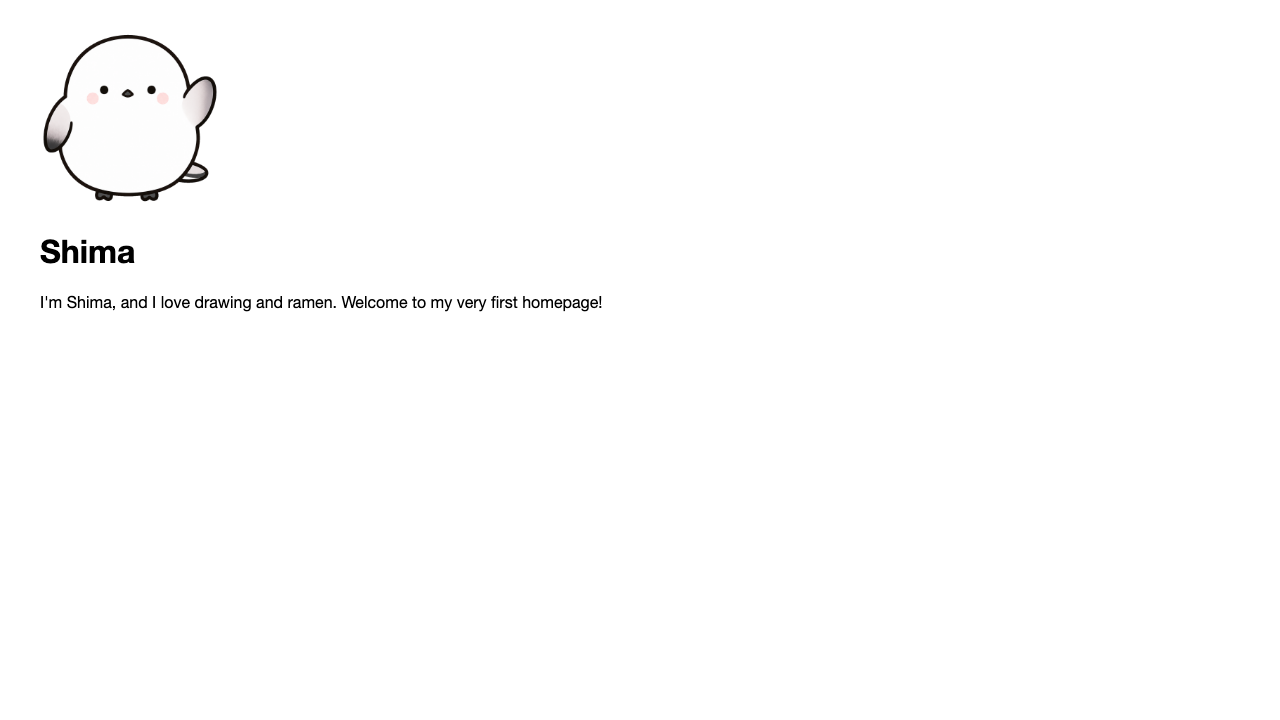
A text-only page is lovely too, but just one photo or illustration makes it far easier to grasp and brings it to life. The tag for showing an image is <img>. There’s one thing about it that’s different from the tags so far.
How to write img
<img src="/photo.jpg" alt="A long-tailed tit relaxing by a window"><img> makes one image appear.Break it down and it looks like this.
| What you write | Meaning |
|---|---|
<img> | The mark for an image. A self-contained tag |
src="..." | Which image to show (the image file’s location). Short for source |
alt="..." | The image’s description |
<p> and <a> held contents in between, but <img> just says “an image here!” and places it. That’s why you don’t need </img>. Just keep in a corner of your mind that it’s a little different from the “sandwich type.”
How to write the “location” in src
In src you write where the image is, as seen from the HTML file you’re writing. If the image is in the same folder, just the file name is fine.
<img src="shima.png" alt="A photo of Shima">If you made a folder called images and put the image inside it, you write the folder name too.
<img src="images/shima.png" alt="A photo of Shima">Think of it as writing “the directions from where you are now.” If the folder name or the separator / is off by even one character, the browser can’t find the location.
alt (the description) is an act of kindness
alt is the text that appears in place of the image when it can’t be shown, and it’s also the text that screen-reader software, used by people who can’t see, reads aloud.
<img src="/cake.jpg" alt="A strawberry shortcake">If you write “a strawberry shortcake” in alt, then even in a situation where the image can’t be shown, what the image is still comes across. Just a few words make the page kinder to all sorts of people. That’s why alt isn’t decoration — it plays an important role.
Search engines, too, can’t read the contents of the image itself. The text you write in alt becomes the clue for what that image is. It’s an unglamorous detail, but those few words pay off in both your page’s content and its search results.
Summary of this lesson
- Show an image with
<img src="location" alt="description"> <img>holds no contents in between (no closing tag)- The
altdescription plays an important role, kind even to those who can’t see