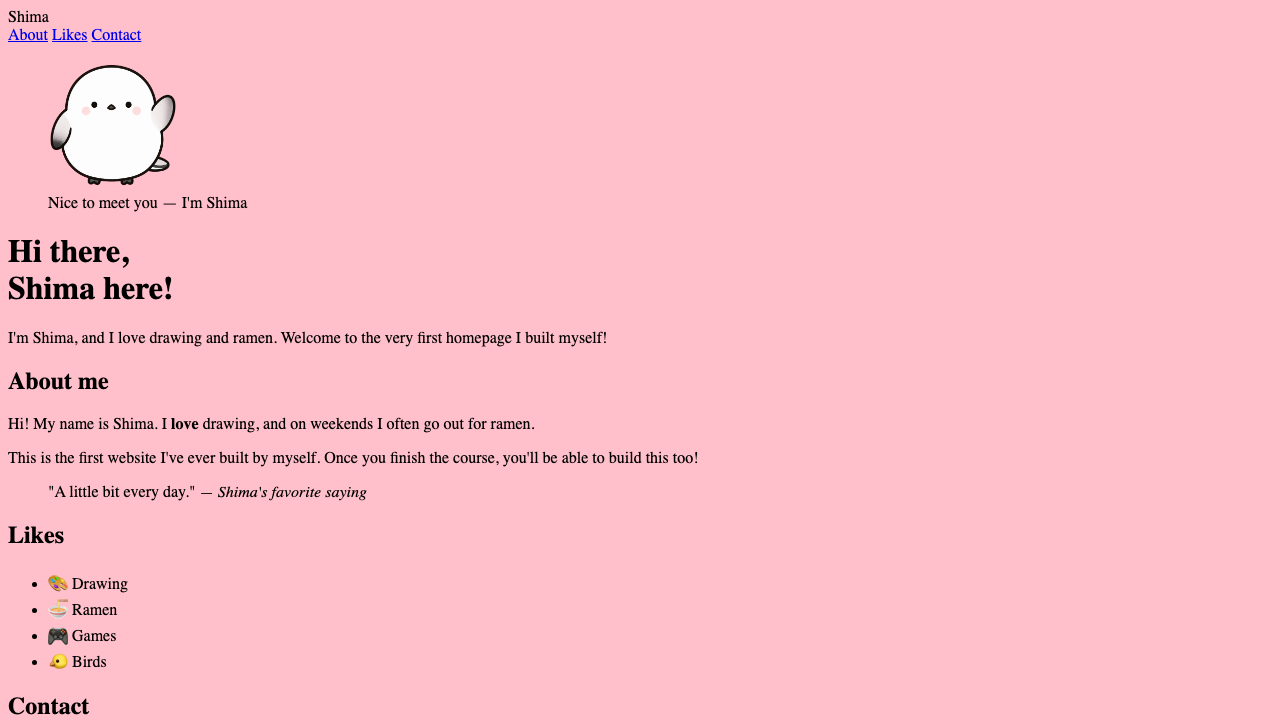
We’ve learned that CSS is “the language that dresses things in a look.” But the moment you go to write it, the first wall you hit is the question, “Where am I supposed to write this CSS?” Before trying out colors and sizes, let’s first nail down this “where it lives and how to connect it.” Once you’ve got this, you’ll be able to try things out the moment you write them.
Write CSS in its own file
The basic approach is to write CSS in a separate file from the HTML. The name is often style.css. The contents follow a shape you’ll learn bit by bit from here—for example, you write it like this.
h1 {
  color: teal;
}
It’s fine not to understand what’s inside yet. It’s enough to picture style.css as the container you write this sort of thing into.
Put style.css right next to your HTML file (index.html) in the same folder. This way, “the content HTML” and “the look CSS” are cleanly separated at the file level.
There’s another upside to a separate file. When your pages grow to two, three, and more, every HTML file can connect to the same style.css. Since one instruction sheet is shared across all pages, fixing the background color in just one place makes the whole site’s color change together.
Connecting takes just one line
Just writing in style.css doesn’t reach the page yet. To make it take effect, put the following one line inside the HTML’s <head>.
<head>
  <link rel="stylesheet" href="style.css">
</head>rel="stylesheet"… the signal that says “this is a stylesheet (= CSS)”href="style.css"… the location and name of the file to load
This one line is the bridge connecting HTML and CSS. Only once the bridge is in place do the settings in style.css reach the page.
What’s happening inside the browser?
Let’s follow what happens with that one <link> line, step by step.
- The browser starts reading
index.htmlfrom the top - It finds
<link>inside<head> - It goes to fetch the
style.csswritten inhref - It applies the settings written there to the page’s look
Writing <link> in <head> is for the sake of this flow. <head> is where you write the page’s setup information. By telling the browser “here’s the instruction sheet for the look” before it displays the body (<body>), the page appears looking neat from the very start.
Does the file have to be named style.css?
Actually, the name itself is up to you. main.css or piyo.css both work. There are just two rules, though.
- Make the extension
.css(this is the mark of a CSS file) - Match the name in
hrefto the actual file name character for character (uppercase and lowercase are distinguished too)
That said, style.css is the standard name used all over the world. If you’ve no particular reason to hesitate, we recommend going with this name to start.
Summary of this lesson
- Write CSS in a separate file like
style.css - Connect it inside
<head>with<link rel="stylesheet" href="style.css"> - Only once connected does the CSS take effect on the page