Now that you understand the shape of tags, let’s practice writing the two that come up most: headings and paragraphs. With just these two, you can already make “a page that has text.”
Headings come in six levels
Headings come in six levels, from h1 to h6. h is the initial of heading. The smaller the number, the more “important (bigger)” the heading.
<h1>The most important heading</h1>
<h2>The next heading</h2>
<h3>The heading below that</h3>Think of a book’s table of contents. There’s a “chapter,” and inside it a “section,” and so on—a nested relationship. You use h1 as the chapter title, h2 as the section, and so on. Thanks to this top-to-bottom relationship, both the reader and the computer can tell at a glance “which is the big topic and which is the small one.”
Don’t skip heading numbers
One more important promise about headings. Use the numbers in order. After h1 comes h2, and the topic below that is h3—the same as a book’s “chapter → section → subsection.” Picture going down a staircase one step at a time.
<!-- Good example: one step at a time -->
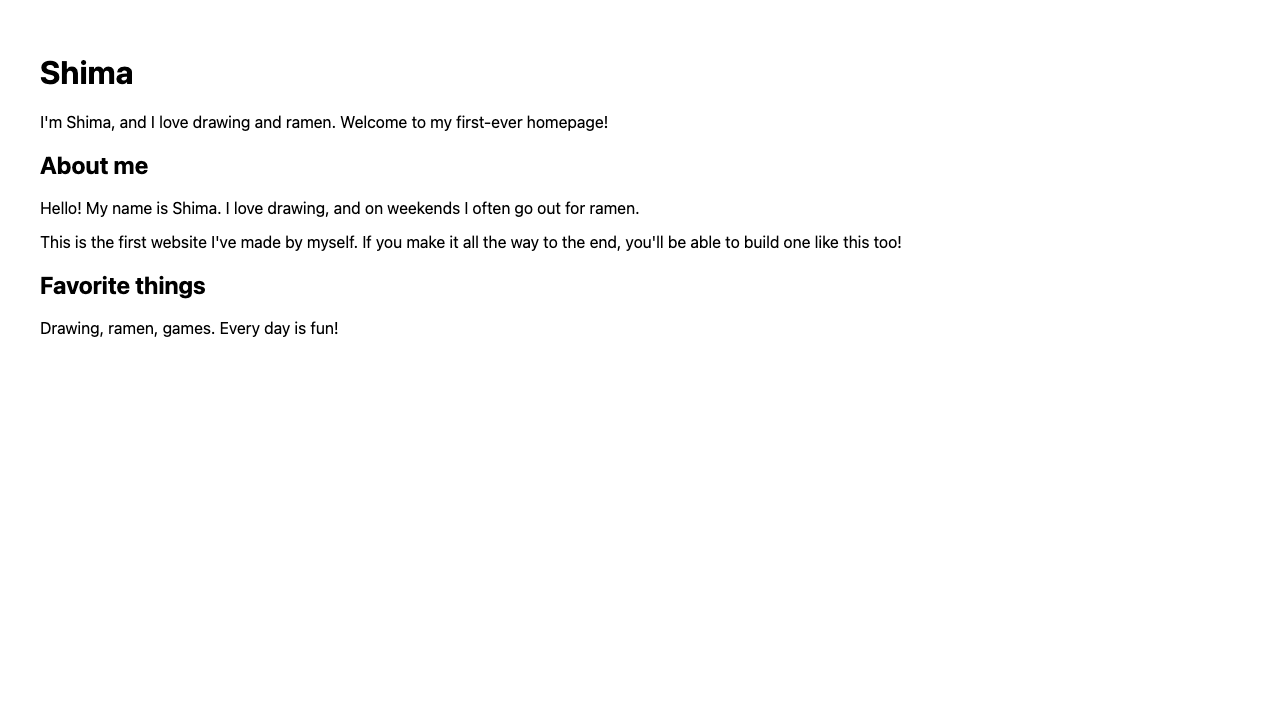
<h1>Shima</h1>
<h2>Favorite things</h2>
<h3>Food</h3>

<!-- Bad example: skipping h2 straight to h4 -->
<h1>Shima</h1>
<h4>Favorite things</h4>
If you jump straight from h1 to h4 like in the bad example, the reader and search engines get lost: “wait, where are the chapters and sections?” “I want a smaller-looking heading, so h4” is a reason based on looks, which makes it a no-go. If the level drops by one, the number drops by one too.
Paragraphs are just wrapped in p
Ordinary text is all wrapped in <p>.
<h1>Shima</h1>
<p>Nice to meet you. I'm Shima.</p>
<p>Right now I'm making my first homepage.</p>
The trick is to split with <p> for each chunk of text. You don’t need to split <p> just to make a line break; you split where “the topic reaches a break.” Conversely, cramming a long piece of text all into one <p> makes it hard to read. When the topic changes, a new <p>. Just keeping this in mind is plenty.
By the way, there are also times when “the topic continues, but I just want a new line” (like splitting an address across two lines). There’s a separate small tag for that, so look forward to it in a later lesson.
Summary of this lesson
- Headings are the six levels
<h1>–<h6> - Choose headings by meaning, not size (
h1is the most important one) - Wrap text in
<p>chunk by chunk